انتقل إلى معلومات المنتج
1 ل 3

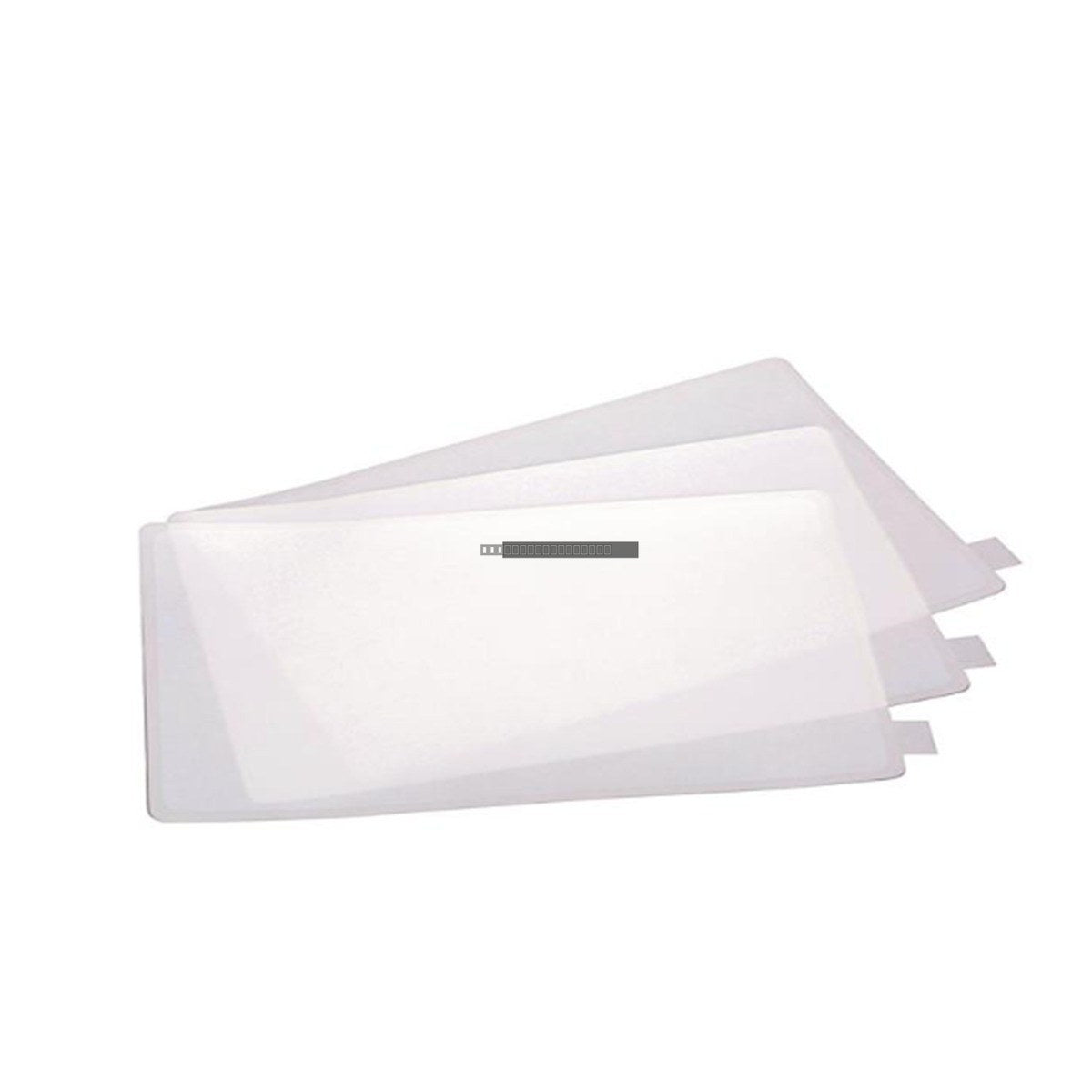
Allen-Bradley 2711-NV7T Antiglare Overlay for PanelView 1400

Allen-Bradley 2711-NV7T Antiglare Overlay for PanelView 1400

The 2711-NV7T is a high-quality antiglare overlay specifically engineered for the Allen-Bradley PanelView 1400 touch screen terminal. This protective component is designed to enhance operator visibility by reducing ambient light...

27 يشاهد الناس هذا الآن

التوافرالكمية المتبقية: 6

رمز المنتج: 2711-NV7T
بائع: Allen-Bradley
فئة: HMI Overlay

الشحن والإرجاع

توصيل موثوق به في جميع أنحاء العالم

  • شركات الشحن: يتم الشحن عبر DHL أو FedEx أو UPS أو USPS .
  • الشحن: تتم معالجة الطلبات خلال يوم عمل واحد إلى يومين، ويتم شحنها خلال 3 إلى 5 أيام عمل .
  • التتبع: يتم توفير تفاصيل التتبع الكاملة عبر البريد الإلكتروني عند الشحن.

ضمان استرداد الأموال خلال 30 يومًا

  • الضمان: فترة إرجاع لمدة 30 يومًا للمنتجات المتوفرة في المخزون والمغلفة من المصنع.
  • الشروط: يجب أن تكون المنتجات غير مفتوحة وغير مستخدمة وفي عبوتها الأصلية.
  • الأصالة: نضمن أن تكون الأجهزة أصلية 100% .

هل تحتاج إلى مزيد من التفاصيل؟ اقرأ سياسة الشحن وسياسة الاسترداد الكاملة.

الأصالة والضمان

  • ضمان أصلي: نحن نوفر فقط قطع غيار أصلية 100%، جديدة تمامًا، ومغلقة من المصنع .
  • تغطية كاملة: كل مكون مدعوم بضمان شامل لمدة 12 شهرًا من تاريخ الشراء.
  • إمكانية التتبع: جميع المنتجات تأتي مع وثائق المصنع الأصلية والملحقات اللازمة للامتثال الكامل للمعايير الصناعية.

الدعم الفني والتوريد

  • مساعدة الخبراء: يقدم فريقنا الفني استشارات مجانية لمساعدتك في التحقق من التوافق مع أنظمة DCS و PLC.
  • مصادر القطع النادرة: متخصصون في المكونات القديمة والتي يصعب العثور عليها من Allen-Bradley و Siemens و ABB و HIMA وغيرها.
  • للاستفسارات المتعلقة بالكميات الكبيرة: تواصلوا معنا على pambo@5gplc.com للحصول على أسعار الكميات الكبيرة أو عروض أسعار المشاريع المخصصة.
عرض تفاصيل المنتج الكاملة

The 2711-NV7T is a high-quality antiglare overlay specifically engineered for the Allen-Bradley PanelView 1400 touch screen terminal. This protective component is designed to enhance operator visibility by reducing ambient light reflections and glare, which are common challenges in industrial control environments. By providing a durable barrier, it helps maintain the integrity of the underlying touch screen interface against daily operational wear.

Features

  • Optimized for the PanelView 1400 series touch screen interface.
  • Antiglare surface treatment to improve optical clarity and readability under varying lighting conditions.
  • Provides a protective layer to shield the display from scratches, dust, and minor impacts.
  • Maintains touch sensitivity and responsiveness for reliable operator input.

Applications

This overlay is intended for use in industrial automation systems where PanelView 1400 terminals are deployed. It is suitable for control rooms, manufacturing floors, and human-machine interface (HMI) stations where clear display visualization is critical for system monitoring and operator safety.

Technical Specifications

Model 2711-NV7T
Brand Allen-Bradley
Category HMI Overlay
Compatibility PanelView 1400 Touch Screen
Surface Type Antiglare
Operating Temperature 0 to 50 degC

Installation Guidelines

  • Ensure the display surface is clean, dry, and free of dust or debris before application.
  • Handle the overlay by the edges to prevent fingerprints or oils from transferring to the adhesive or viewing area.
  • Align the overlay carefully with the display bezel to ensure proper fitment.
  • Apply firm, even pressure from the center outward to remove air bubbles and ensure a secure bond.
  • Power down the terminal during the cleaning and installation process to prevent accidental input activation.

FAQ

Does this overlay affect touch screen sensitivity?

No, the 2711-NV7T is designed to be thin and durable, ensuring that touch sensitivity and input accuracy remain consistent with the original factory specifications of the PanelView 1400.

Is this compatible with all PanelView 1400 models?

This overlay is specifically designed for the touch screen variant of the PanelView 1400. Please verify your terminal model number to ensure it is equipped with the touch interface before installation.