انتقل إلى معلومات المنتج
1 ل 3

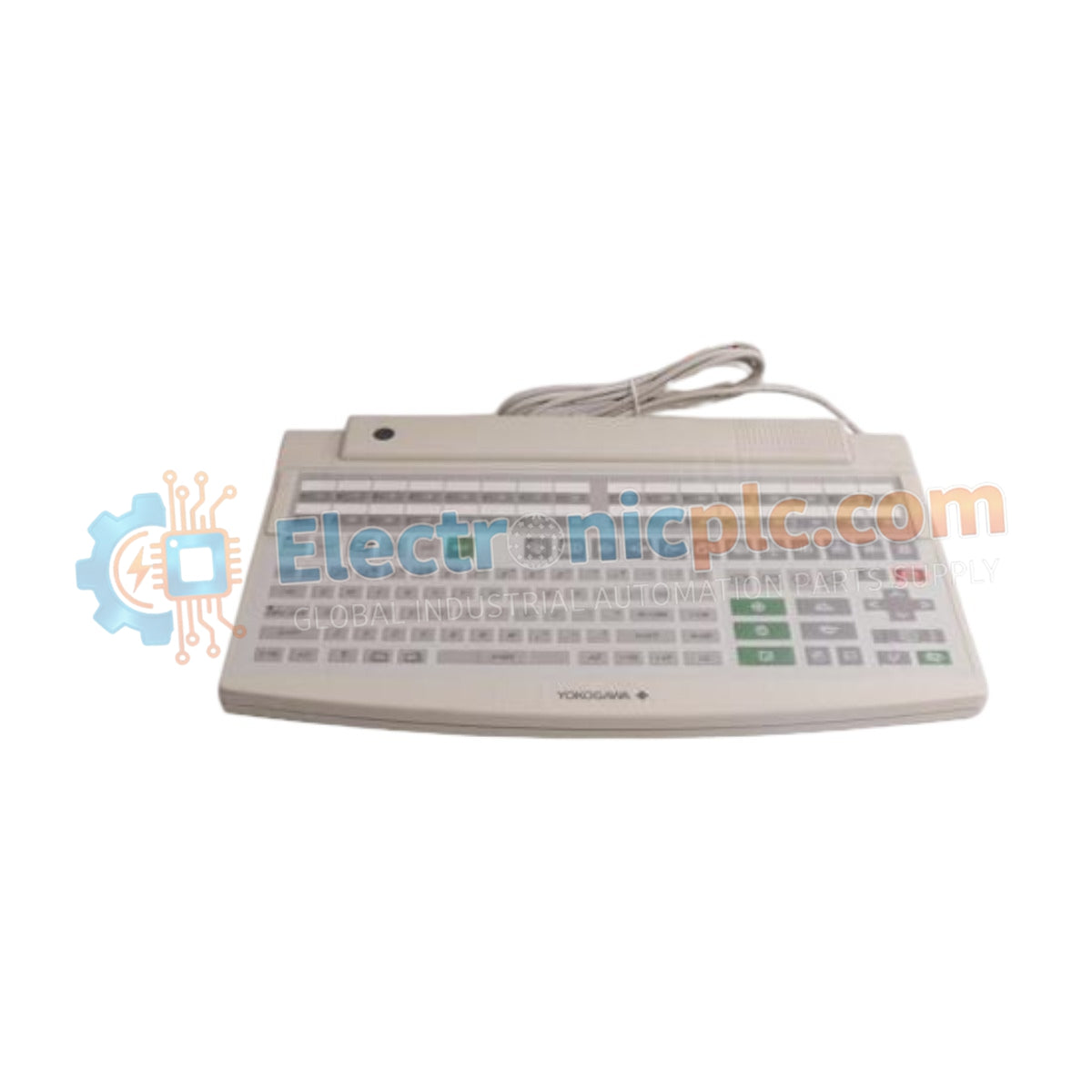
AIP827-2 S1 YOKOGAWA USB Operation Keyboard Datasheet & Technical Manual

AIP827-2 S1 YOKOGAWA USB Operation Keyboard Datasheet & Technical Manual

Configured for input control within Human Interface Station (HIS) environments, the YOKOGAWA AIP827-2 S1 (AIP827 USB Operation Keyboard) provides direct physical and electrical execution of operator commands across CENTUM distributed...

25 يشاهد الناس هذا الآن

التوافرالكمية المتبقية: 99

رمز المنتج: AIP827-2 S1
بائع: Yokogawa
Related Series:

الشحن والإرجاع

توصيل موثوق به في جميع أنحاء العالم

  • شركات الشحن: يتم الشحن عبر DHL أو FedEx أو UPS أو USPS .
  • الشحن: تتم معالجة الطلبات خلال يوم عمل واحد إلى يومين، ويتم شحنها خلال 3 إلى 5 أيام عمل .
  • التتبع: يتم توفير تفاصيل التتبع الكاملة عبر البريد الإلكتروني عند الشحن.

ضمان استرداد الأموال خلال 30 يومًا

  • الضمان: فترة إرجاع لمدة 30 يومًا للمنتجات المتوفرة في المخزون والمغلفة من المصنع.
  • الشروط: يجب أن تكون المنتجات غير مفتوحة وغير مستخدمة وفي عبوتها الأصلية.
  • الأصالة: نضمن أن تكون الأجهزة أصلية 100% .

هل تحتاج إلى مزيد من التفاصيل؟ اقرأ سياسة الشحن وسياسة الاسترداد الكاملة.

الأصالة والضمان

  • ضمان أصلي: نحن نوفر فقط قطع غيار أصلية 100%، جديدة تمامًا، ومغلقة من المصنع .
  • تغطية كاملة: كل مكون مدعوم بضمان شامل لمدة 12 شهرًا من تاريخ الشراء.
  • إمكانية التتبع: جميع المنتجات تأتي مع وثائق المصنع الأصلية والملحقات اللازمة للامتثال الكامل للمعايير الصناعية.

الدعم الفني والتوريد

  • مساعدة الخبراء: يقدم فريقنا الفني استشارات مجانية لمساعدتك في التحقق من التوافق مع أنظمة DCS و PLC.
  • مصادر القطع النادرة: متخصصون في المكونات القديمة والتي يصعب العثور عليها من Allen-Bradley و Siemens و ABB و HIMA وغيرها.
  • للاستفسارات المتعلقة بالكميات الكبيرة: تواصلوا معنا على pambo@5gplc.com للحصول على أسعار الكميات الكبيرة أو عروض أسعار المشاريع المخصصة.
عرض تفاصيل المنتج الكاملة

Configured for input control within Human Interface Station (HIS) environments, the YOKOGAWA AIP827-2 S1 (AIP827 USB Operation Keyboard) provides direct physical and electrical execution of operator commands across CENTUM distributed control system platforms.

Suffix Breakdown & Model Matrix

Suffix Code Description
AIP827 Base Model (USB Operation Keyboard for HIS)
-2 220-240 V AC Power Supply (with CE and C-Tick compliance)
S1 Standard hardware revision

Hardware Specifications

Parameter Specification
Model AIP827-2 S1
Brand YOKOGAWA
Origin Not Specified
Weight 2.5 kg
Dimensions 44 cm x 28.4 cm x 5.2 cm
Operating Temp 5 to 40 deg C
Power Consumption 20 VA
Interface Connector USB Type A
Paint Color Frosty White (Munsell 2.5Y8.4/1.2)

Human Interface Station Integration and Environmental Protection

The AIP827-2 S1 is engineered with a dust- and drip-proof flat membrane interface, designed to maintain operational integrity in industrial control room settings. The module utilizes a standard USB A-type connector to interface with the Human Interface Station, ensuring compatibility with DCS workstation hardware. Given the 20 VA power requirement, the keyboard incorporates an external AC adapter to stabilize input voltage, minimizing electromagnetic noise from the local power grid that could otherwise affect the HID (Human Interface Device) communication protocol.

Frequently Asked Questions

Q: Is the keyboard interface hot-swappable while the Human Interface Station is running?

A: Yes, the USB interface supports standard hot-plugging. However, in mission-critical control environments, it is recommended to ensure the system OS recognizes the device before initiating high-priority process commands.

Q: Can the keyboard operate in high-humidity environments?

A: The device is rated for 20 to 80 percent relative humidity (non-condensing). Exceeding these limits, or allowing condensation to form within the keyboard housing, may cause short-circuiting of the membrane switch matrix.

Field Installation Guidelines

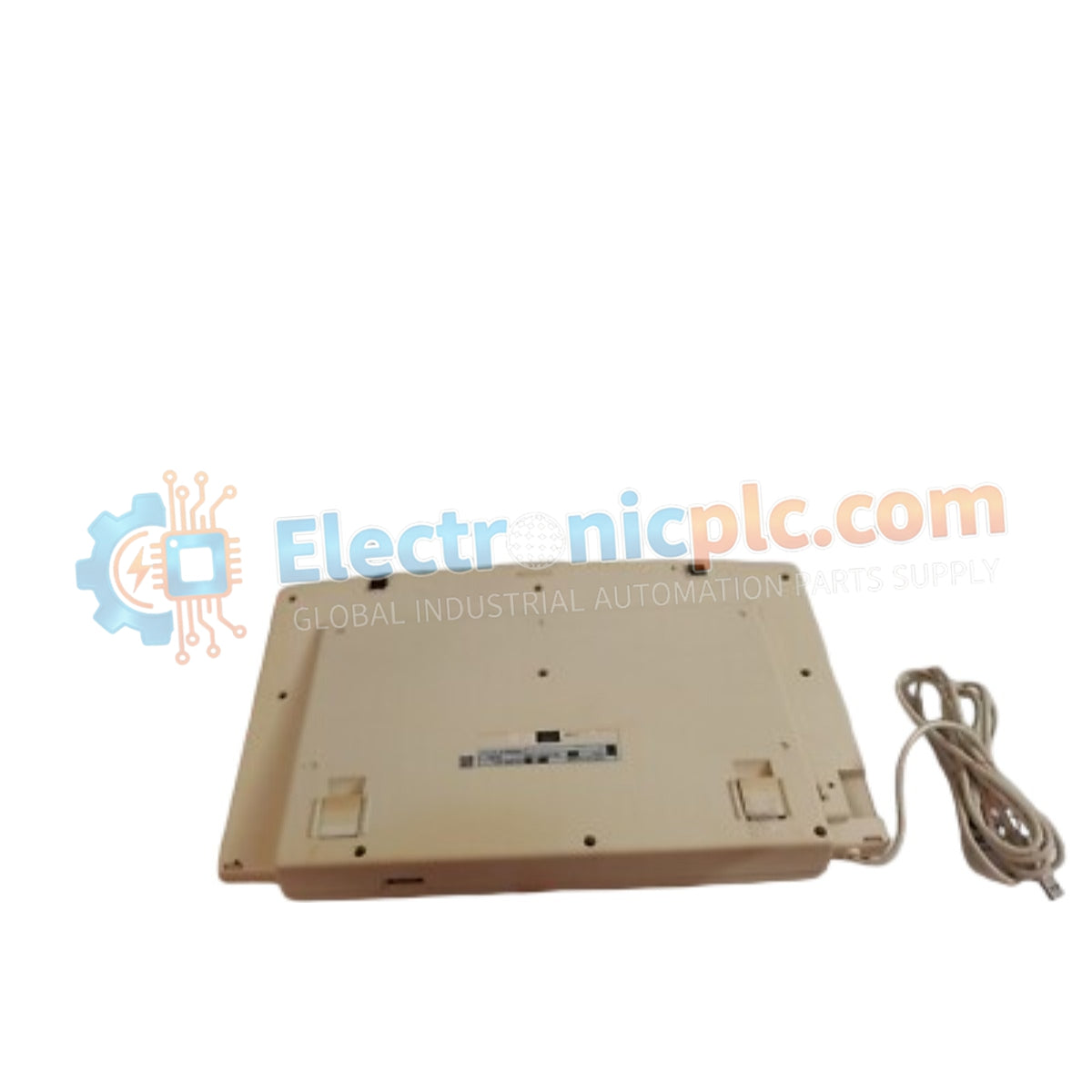
  • Ensure the keyboard is placed on a stable, flat surface to prevent mechanical stress on the chassis housing.
  • Connect the USB cable directly to the dedicated operator console port; avoid using passive USB hubs which may introduce signal latency or insufficient power.
  • Route the power cable and USB interface cable through cable management channels to prevent tripping hazards and unintentional disconnection.
  • Clean the surface only with a damp, non-abrasive cloth; the use of aggressive chemical solvents can degrade the dust-proof seal of the flat keyboard membrane.
  • Check that the adjustable feet are retracted or extended uniformly to ensure the keyboard remains level and stable during operator use.