
سلة التسوق الخاصة بي
0 عنصرًا
قطع غيار أصلية للأتمتة | توصيل سريع عالمي | ضمان لمدة 12 شهرًا — [احصل على عرض سعر]

تم تكوين Yokogawa SCB110-S0 (محول فحص الأسلاك SCB110) للتحقق من الإشارة المنفصلة في معماريات نظام التحكم الموزع (DCS)، ويوفر تنفيذًا فيزيائيًا/كهربائيًا مباشرًا لاختبار الحلقة التشخيصية لقنوات الإدخال الرقمية.
التوافر: في الأوراق المالية
توصيل موثوق به في جميع أنحاء العالم
ضمان استرداد الأموال خلال 30 يومًا
هل تحتاج إلى مزيد من التفاصيل؟ اقرأ سياسة الشحن وسياسة الاسترداد الكاملة.

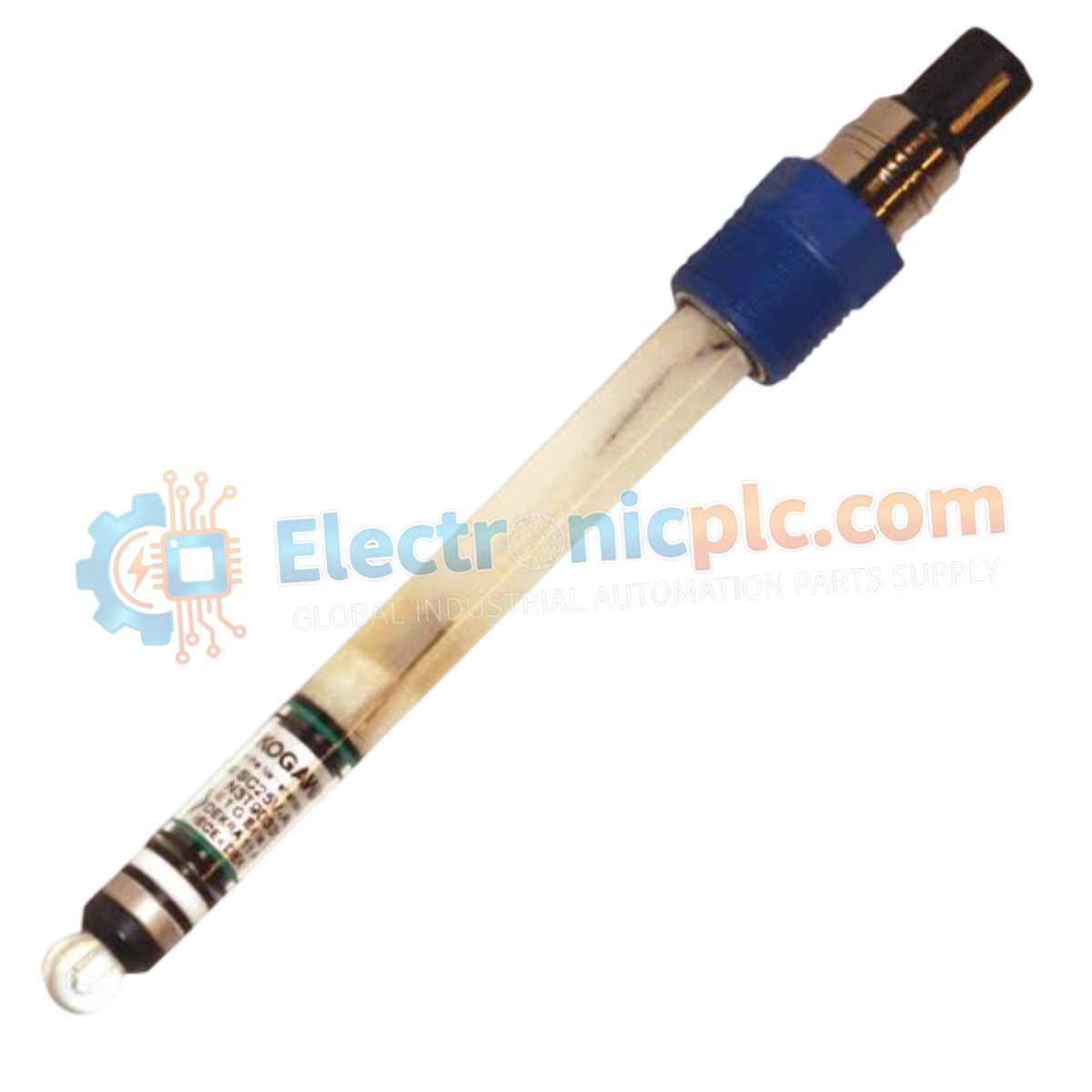
تم تكوين Yokogawa SCB110-S0 (محول فحص الأسلاك SCB110) للتحقق من الإشارة المنفصلة في معماريات نظام التحكم الموزع (DCS)، ويوفر تنفيذًا فيزيائيًا/كهربائيًا مباشرًا لاختبار الحلقة التشخيصية لقنوات الإدخال الرقمية.
| المعلمة | المواصفات |
|---|---|
| النموذج | SCB110-S0 |
| العلامة التجارية | Yokogawa |
| الأصل | اليابان |
| الوزن | 0.4 كجم |
| الأبعاد | تثبيت لوحة طرفية للنظام القياسي |
| درجة حرارة التشغيل | -10 درجة مئوية إلى 60 درجة مئوية |
| استهلاك الطاقة | جهاز غير فعال |
| الوظيفة | التحقق من حلقة إشارة الإدخال الرقمي |
يعمل SCB110-S0 كمحول فحص الأسلاك SCB110 الأساسي المستخدم لتنفيذ التحقق من الحلقة التشخيصية عبر منصات نظام CENTUM. من خلال تمكين إغلاق التلامس القسري أو محاكاة الدائرة المفتوحة، يؤكد المحول أن الأسلاك الميدانية موصلة بشكل صحيح عند رف وحدة الإدخال/الإخراج دون الحاجة إلى تنشيط الجهاز الفعلي من جانب الحقل. يجب على المستخدمين التأكد من إزالة المحول أو تبديله إلى حالة التشغيل قبل بدء تشغيل النظام النهائي لمنع تفسير المدخلات الرقمية غير الصحيحة بواسطة منطق وحدة تحكم DCS. يحافظ المحول على اتساق عزل قناة إلى قناة عند استخدامه بالاقتران مع وحدات الإدخال الرقمية القياسية، مما يمنع التداخل المحتمل أثناء مرحلة الاختبار التشخيصي.
س: هل يتطلب SCB110-S0 طاقة خارجية لإجراء فحوصات الأسلاك؟
ج: لا. المحول هو جهاز غير فعال يعمل عن طريق توصيل أو قطع حلقة الإشارة لوحدة الإدخال الرقمية المرتبطة.
س: هل يمكن ترك المحول متصلاً أثناء التشغيل العادي للعملية؟
ج: لا. SCB110-S0 مخصص فقط للتشغيل والصيانة التشخيصية. قد يؤدي ترك المحول متصلاً إلى فرض حالات منطقية خاطئة في وحدة تحكم DCS، مما قد يؤدي إلى تنشيط قفل عملية غير مقصود أو إنذارات النظام.


