
سلة التسوق الخاصة بي
0 عنصرًا
قطع غيار أصلية للأتمتة | توصيل سريع عالمي | ضمان لمدة 12 شهرًا — [احصل على عرض سعر]

تم تكوين لوحة المفاتيح Yokogawa AIP831-111 (لوحة مفاتيح التشغيل AIP831) للتحكم في واجهة متعددة الحلقات في منصات نظام CENTUM، وهي توفر تنفيذًا ماديًا/كهربائيًا مباشرًا لمراقبة العمليات المتزامنة ذات الحلقات الثمانية...
التوافر: في الأوراق المالية
توصيل موثوق به في جميع أنحاء العالم
ضمان استرداد الأموال خلال 30 يومًا
هل تحتاج إلى مزيد من التفاصيل؟ اقرأ سياسة الشحن وسياسة الاسترداد الكاملة.


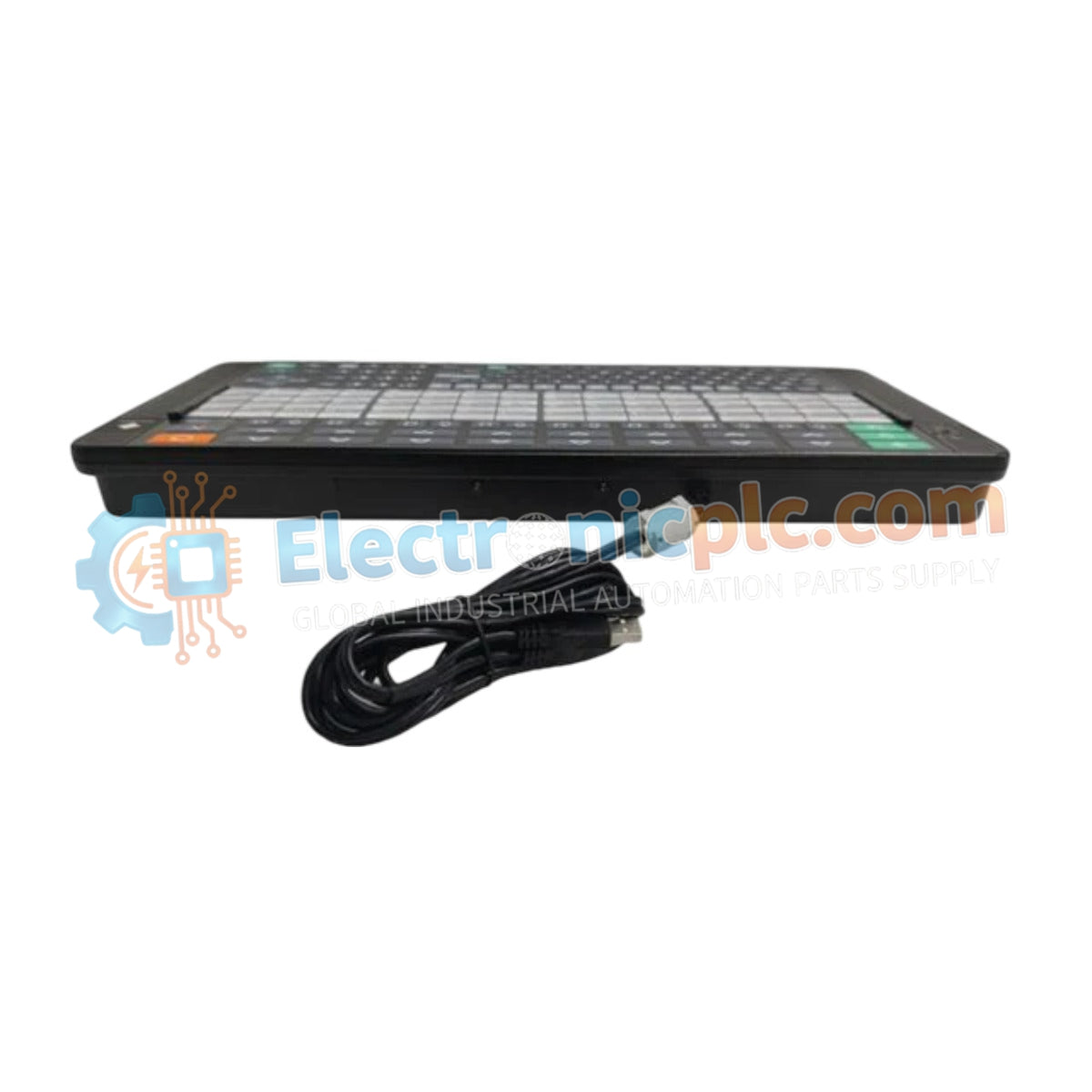
تم تكوين لوحة المفاتيح Yokogawa AIP831-111 (لوحة مفاتيح التشغيل AIP831) للتحكم في واجهة متعددة الحلقات في منصات نظام CENTUM، وهي توفر تنفيذًا ماديًا/كهربائيًا مباشرًا لمراقبة العمليات المتزامنة ذات الحلقات الثمانية وإدخال الأوامر.
| المعلمة | المواصفات |
|---|---|
| الموديل | AIP831-111 |
| الماركة | يوكوجاوا |
| المنشأ | اليابان |
| الوزن | 2.0 كجم |
| الأبعاد | هيكل مدمج للتركيب على لوحة |
| درجة حرارة التشغيل | 5 درجات مئوية إلى 40 درجة مئوية |
| استهلاك الطاقة | 5 فولت تيار مستمر (يعمل بواسطة ناقل USB) |
| الواجهة | USB 2.0 (سرعة كاملة) |
| ميزات التحكم | تشغيل متزامن لـ 8 حلقات، مفتاح اختيار الوضع، مفتاح تأكيد من النوع B |
تعمل AIP831-111 كجهاز طرفي لإدخال واجهة HMI مصمم لتسهيل التفاعل في الوقت الفعلي مع حلقات التحكم في العمليات. يعتمد التكامل على واجهة USB 2.0 للاتصال المحدد مع المحطة المضيفة. عند النشر في بيئة وحدة التحكم، تستخدم لوحة مفاتيح التشغيل مفتاح اختيار الوضع المدمج ومفتاح التأكيد من النوع B لتطبيق بروتوكولات صارمة للتحقق من الأوامر. يقلل هذا التأكيد المستند إلى الأجهزة من احتمال حدوث تعديلات خاطئة في نقطة الضبط أثناء سيناريوهات الاستجابة السريعة للمشغل. تم تحسين الوحدة للتركيب على سطح المكتب أو اللوحة، مع الحفاظ على اتصال كهربائي ثابت باللوحة الخلفية للنظام المضيف عبر واجهة USB المتوفرة.
س: هل تتطلب AIP831-111 برامج تشغيل مخصصة للتفاعل مع مضيف CENTUM؟
ج: تستخدم لوحة المفاتيح بروتوكولات اتصال USB HID-class القياسية التي يتعرف عليها برنامج وحدة التحكم المضيفة من Yokogawa. لا يلزم وجود برامج تشغيل من جهات خارجية لتكامل الوظائف الأساسية.
س: هل يكفي مصدر الطاقة 5 فولت تيار مستمر الذي يوفره ناقل USB لجميع وظائف التحكم؟
ج: نعم. تم تصميم الوحدة لاستهلاك طاقة منخفض (5 فولت تيار مستمر) يتم توفيره مباشرة عبر واجهة مضيف USB، مما يلغي الحاجة إلى مصدر طاقة خارجي مخصص.


