
سلة التسوق الخاصة بي
0 عنصرًا
قطع غيار أصلية للأتمتة | توصيل سريع عالمي | ضمان لمدة 12 شهرًا — [احصل على عرض سعر]

تعمل لوحة الدوائر المطبوعة YOKOGAWA YPQ101E (YT204001-FS)، كمكون مخصص لمعالجة الإشارات المحلية والتحكم في النظام ضمن منصات أجهزة تحكم YOKOGAWA. توفر مجموعة لوحة الدوائر المطبوعة هذه الواجهة الإلكترونية الضرورية لتنفيذ المنطق وتكييف...
التوافر: في الأوراق المالية
توصيل موثوق به في جميع أنحاء العالم
ضمان استرداد الأموال خلال 30 يومًا
هل تحتاج إلى مزيد من التفاصيل؟ اقرأ سياسة الشحن وسياسة الاسترداد الكاملة.


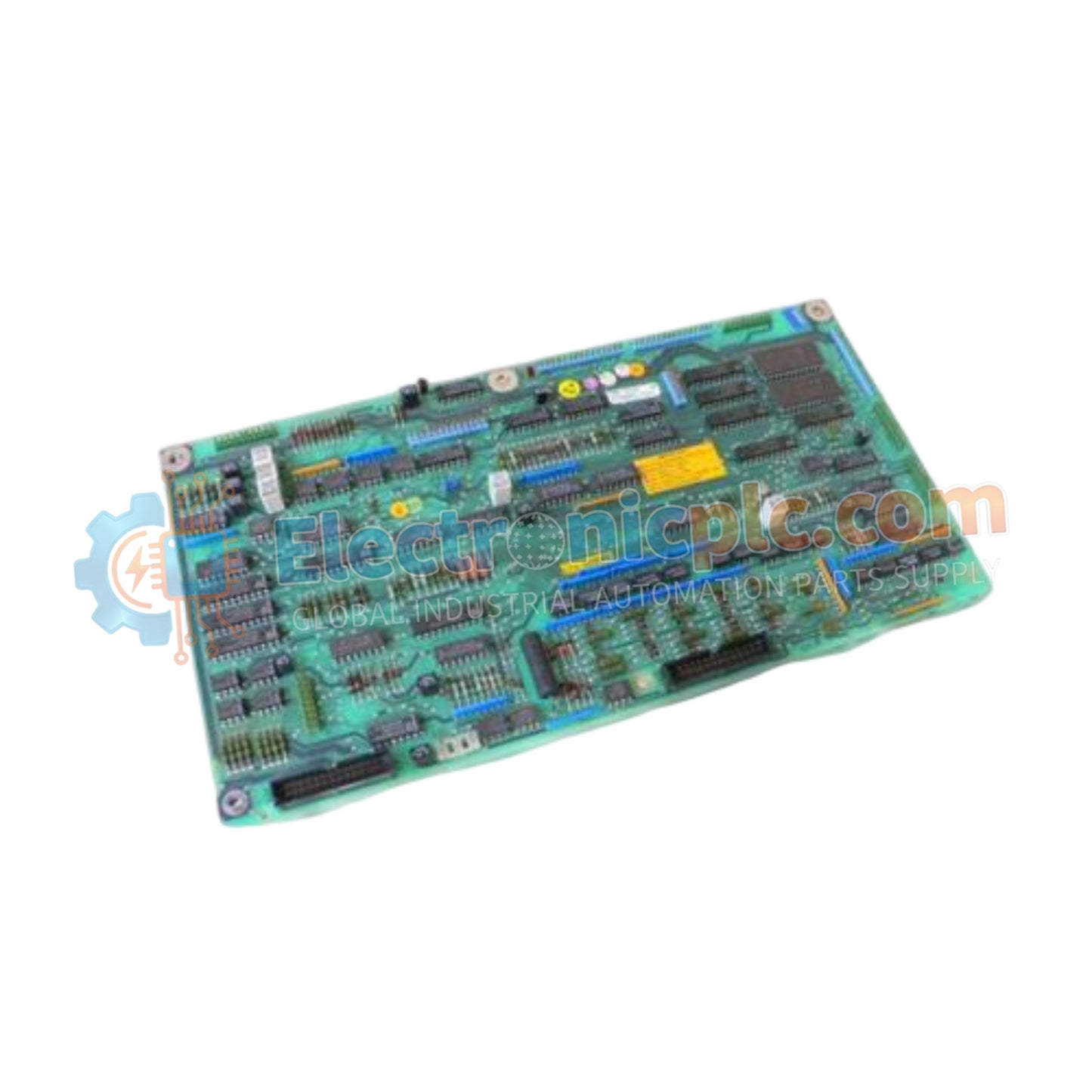
تعمل لوحة الدوائر المطبوعة YOKOGAWA YPQ101E (YT204001-FS)، كمكون مخصص لمعالجة الإشارات المحلية والتحكم في النظام ضمن منصات أجهزة تحكم YOKOGAWA. توفر مجموعة لوحة الدوائر المطبوعة هذه الواجهة الإلكترونية الضرورية لتنفيذ المنطق وتكييف الإشارة المطلوب للتشغيل المتسق في بيئات العمليات الصناعية.
| المعلمة | المواصفات |
| الموديل | YPQ101E |
| العلامة التجارية | YOKOGAWA |
| بلد المنشأ | اليابان |
| الوزن | 0.3 كجم |
| الأبعاد | 7.6 سم × 5.1 سم × 12.7 سم |
| درجة حرارة التشغيل | المعيار الصناعي |
| استهلاك الطاقة | يعتمد على النظام |
| نوع المكون | مجموعة لوحة دوائر مطبوعة |
تم تصنيع YPQ101E لتلبية المعايير الإلكترونية الصارمة المطلوبة لتحقيق الاستقرار طويل الأمد في أجهزة التحكم. وكمكون منطقي داخلي، تسهل اللوحة معالجة الإشارات الكهربائية بين الواجهات الموجهة نحو المجال ووحدة المعالجة الرئيسية لوحدة التحكم. ويتضمن تصميمها توجيهًا عالي الجودة للمسارات لتقليل التداخل بين الإشارات والتداخل الكهرومغناطيسي، مما يضمن الحفاظ على سلامة البيانات طوال دورات التحويل والتضخيم المتأصلة في وحدات التحكم المنطقية الصناعية.
س: هل لوحة YPQ101E قابلة للصيانة من قبل المستخدم؟
ج: لا، YPQ101E هي مجموعة لوحة دوائر مطبوعة معقدة. لا يُنصح بإصلاح اللوحة في الميدان لأن ذلك قد يعرض الإعدادات المعايرة في المصنع وسلامة الأمان للجهاز للخطر. استبدل المجموعة بأكملها إذا تم تشخيص وجود عطل.
س: هل يمكن تخزين اللوحة في ظروف رطوبة عالية؟
ج: يجب تخزين اللوحة في بيئة خاضعة للتحكم، ويفضل أن تكون داخل كيس مضاد للكهرباء الساكنة وفي خزانة مكيفة، لمنع أكسدة الموصلات المطلية بالذهب وامتصاص الرطوبة بواسطة المادة الأساسية.
تأكد من استخدام حزام معصم مضاد للكهرباء الساكنة (حماية من التفريغ الكهروستاتيكي) قبل التعامل مع YPQ101E لمنع تلف المكونات الحساسة على اللوحة بسبب التفريغ.
افحص اللوحة بعناية بحثًا عن أي تلف مرئي، مثل المسامير المثنية أو مكونات التثبيت السطحي المتشققة، قبل التركيب.
قم بمحاذاة اللوحة مع الأدلة المخصصة في الهيكل، مع التأكد من أن موصل الحافة مثبت بشكل صحيح في فتحة اللوحة الخلفية. طبق ضغطًا متساويًا حتى يتم التثبيت بالكامل.
إذا كان ذلك ممكنًا، قم بتأمين اللوحة باستخدام مسامير التثبيت المتوفرة لضمان اتصال ميكانيكي مستقر بهيكل وحدة التحكم.
بعد التثبيت، تحقق من سجلات تشخيص النظام في برنامج وحدة التحكم لتأكيد اكتشاف اللوحة بشكل صحيح وعدم وجود أي إشارات خطأ في الأجهزة نشطة.


