
Carrito
0 artículos
¿Tienes una cuenta?
Inicia sesión para finalizar tus compras con mayor rapidez.
Repuestos originales de automatización | Envío exprés a todo el mundo | Garantía de 12 meses — [Solicite presupuesto]

El Yokogawa AIP831-011/VESA/EIM, también catalogado como Teclado de Operación AIP831-011, funciona como un componente de hardware dedicado para el control simultáneo de procesos de ocho bucles y la gestión de...
Disponibilidad: En existencias
Entrega confiable a nivel mundial
Garantía de devolución de dinero de 30 días
¿Necesitas más información? Consulta nuestra Política de envíos y reembolsos completa.


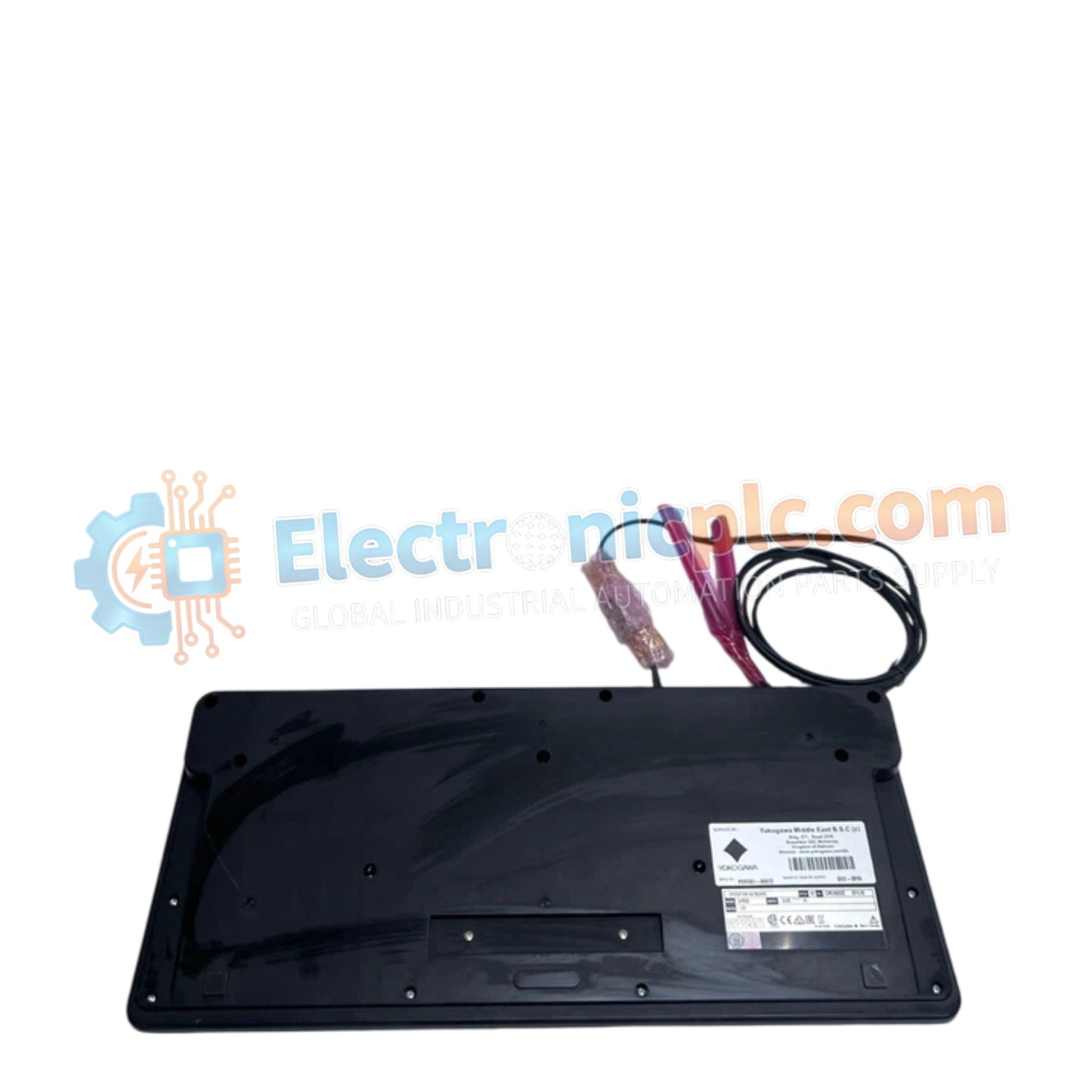
El Yokogawa AIP831-011/VESA/EIM, también catalogado como Teclado de Operación AIP831-011, funciona como un componente de hardware dedicado para el control simultáneo de procesos de ocho bucles y la gestión de interfaz táctil dentro de las plataformas de Estación de Interfaz Humana (HIS) de tipo escritorio CENTUM VP.
| Parámetro | Especificación |
|---|---|
| Modelo | AIP831-011/VESA/EIM |
| Marca | Yokogawa |
| Origen | Japón |
| Peso | 2.0 kg |
| Interfaz de PC | 2 x USB Tipo A (USB 2.0 y USB 1.1) |
| Voltaje de entrada | 5 V CC +/- 5% |
| Corriente máxima | 1 A (Alimentado por bus) |
| Compatibilidad | CENTUM VP Desktop Type HIS |
El AIP831-011 está diseñado para soportar la interacción avanzada del operador, permitiendo específicamente la operación simultánea de ocho bucles cuando se combina con el paquete de software LHS1140. Las características clave incluyen sensores táctiles para el resaltado del panel frontal del instrumento y un sistema de altavoces integrado basado en USB para la enunciación audible localizada de alarmas. El teclado requiere la función de operación y monitoreo estándar de CENTUM VP (LHS1100 o LHM1101) en la versión R5.03 o posterior para garantizar la compatibilidad total del controlador y las funciones. Está estrictamente limitado a una sola unidad por estación HIS de tipo escritorio y es incompatible con las suites de software LHS1120 o LHS1130.
P: ¿Se puede usar el AIP831-011 junto con otros paquetes de teclado de operación?
R: El teclado es incompatible con los paquetes LHS1120 o LHS1130. Está estrictamente diseñado para su uso con el paquete de operación simultánea de ocho bucles LHS1140 y las funciones de monitoreo estándar.
P: ¿Cómo maneja la interfaz de PC el altavoz USB integrado?
R: El teclado utiliza dos conexiones USB Tipo A: una para el teclado principal y las funciones de operación (USB 2.0) y una conexión secundaria para la función de sonido (USB 1.1), ambas alimentadas por bus desde la estación de trabajo.


