
My Cart
0 items
Genuine Automation Parts | Worldwide Express Delivery | 12-Month Warranty — [GET A QUOTE]

The 170FNT11001 is a fieldbus network adaptor within the Schneider Electric Modicon Momentum automation platform, designed to connect Momentum I/O bases to a Fipio fieldbus network. Acting as the communication gateway for distributed I/O...
Availability: Low stock: 94 left
Reliable Worldwide Delivery
30-Day Money-Back Guarantee
Need more details? Read our fullShipping PolicyandRefund Policy.

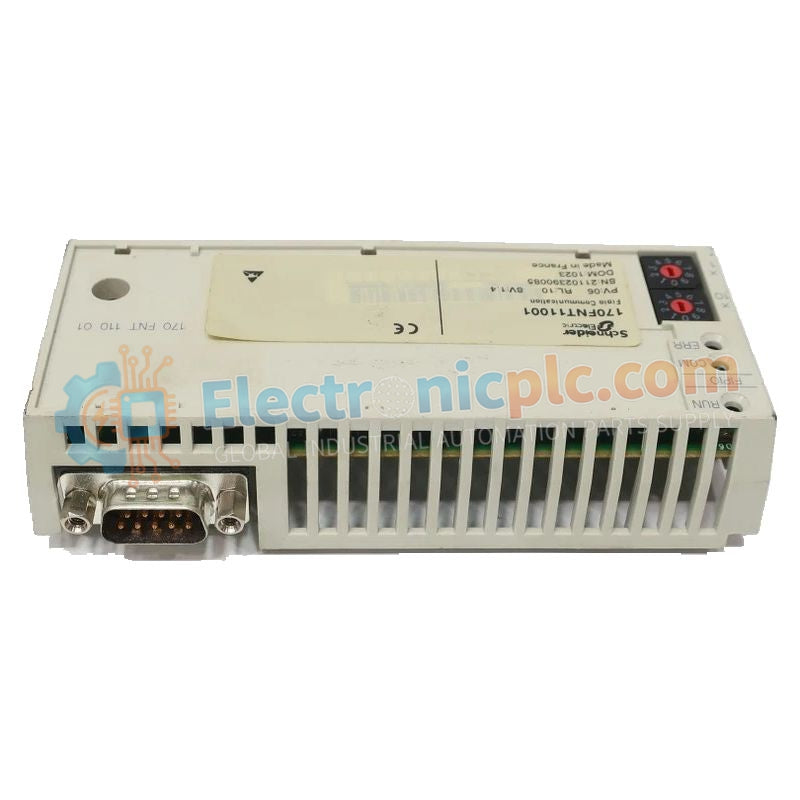
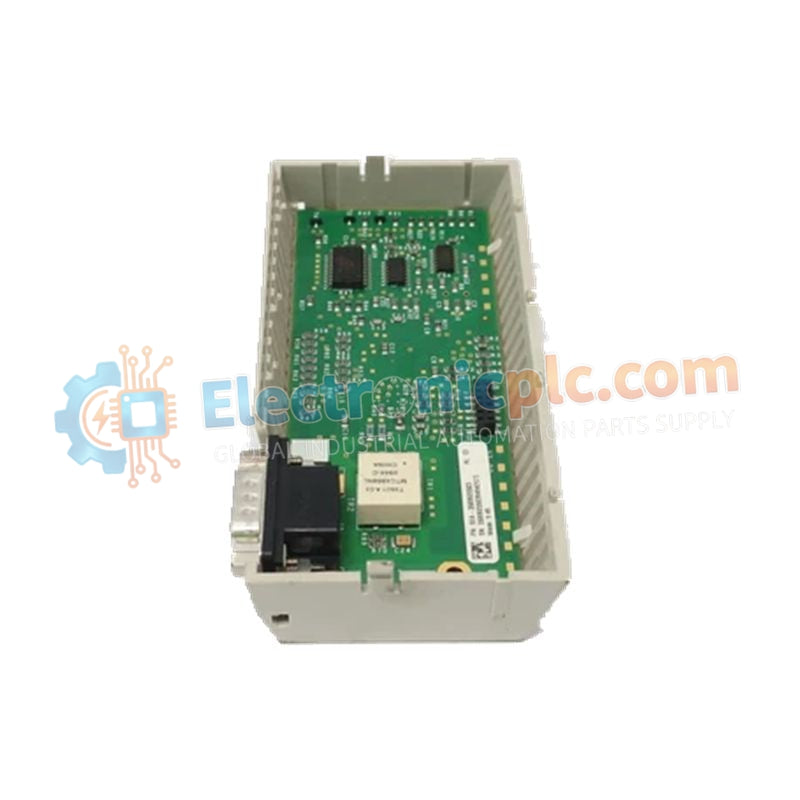
The 170FNT11001 is a fieldbus network adaptor within the Schneider Electric Modicon Momentum automation platform, designed to connect Momentum I/O bases to a Fipio fieldbus network. Acting as the communication gateway for distributed I/O architectures, this module enables real-time data exchange between field devices and central PLC controllers.
The module follows a “plug-and-stay” design philosophy, allowing it to be directly mounted onto Momentum I/O bases without complex wiring. Once installed, it automatically provides network connectivity and logic power distribution to the base module. This simplifies system commissioning and maintenance in large-scale industrial automation deployments.
It is commonly used in legacy and hybrid control system expansions where deterministic fieldbus communication is required across long-distance industrial networks.
| Parameter | Specification |
|---|---|
| Hardware Model | 170FNT11001 |
| Communication Protocol | Fipio Fieldbus |
| Transmission Rate | 1 Mbps |
| Connector Type | 9-pin female SUB-D |
| Network Capacity | Up to 128 stations per segment |
| Address Configuration | Rotary switches (00–63 / 99 depending on firmware) |
| Mounting | Snap-on Momentum base mounting |
| Operating Temperature | 0°C to +60°C |
| Weight | 0.21 kg |
The 170FNT11001 is widely used in industrial plants that still operate Fipio-based distributed control networks, including:
Automotive manufacturing lines
Food and beverage processing plants
Material handling and conveyor systems
Legacy process automation upgrades
It is typically deployed to convert localized Momentum I/O islands into networked nodes under higher-level PLC control.
Can the 170FNT11001 work with any Momentum I/O base?
Yes. The module is compatible with most Momentum discrete, analog, and specialty I/O bases, effectively converting them into Fipio network nodes.
What do the LEDs indicate?
Run LED — Indicates power and active network communication
Err LED — Indicates configuration errors, address conflicts, or hardware faults
If you want, I can also help format future product descriptions into more compact technical sheet style, Google Sheets export format, or more marketing-style overview format.


