
My Cart
0 items
Genuine Automation Parts | Worldwide Express Delivery | 12-Month Warranty — [GET A QUOTE]

Configured for terminal protection within Field I/O (FIO) system architectures, the YOKOGAWA ACCC01 (ACCC01 Protective Cover) provides direct physical shielding for field cabling interfaces. This hardware component functions as a...
Availability: Low stock: 99 left
Reliable Worldwide Delivery
30-Day Money-Back Guarantee
Need more details? Read our fullShipping PolicyandRefund Policy.
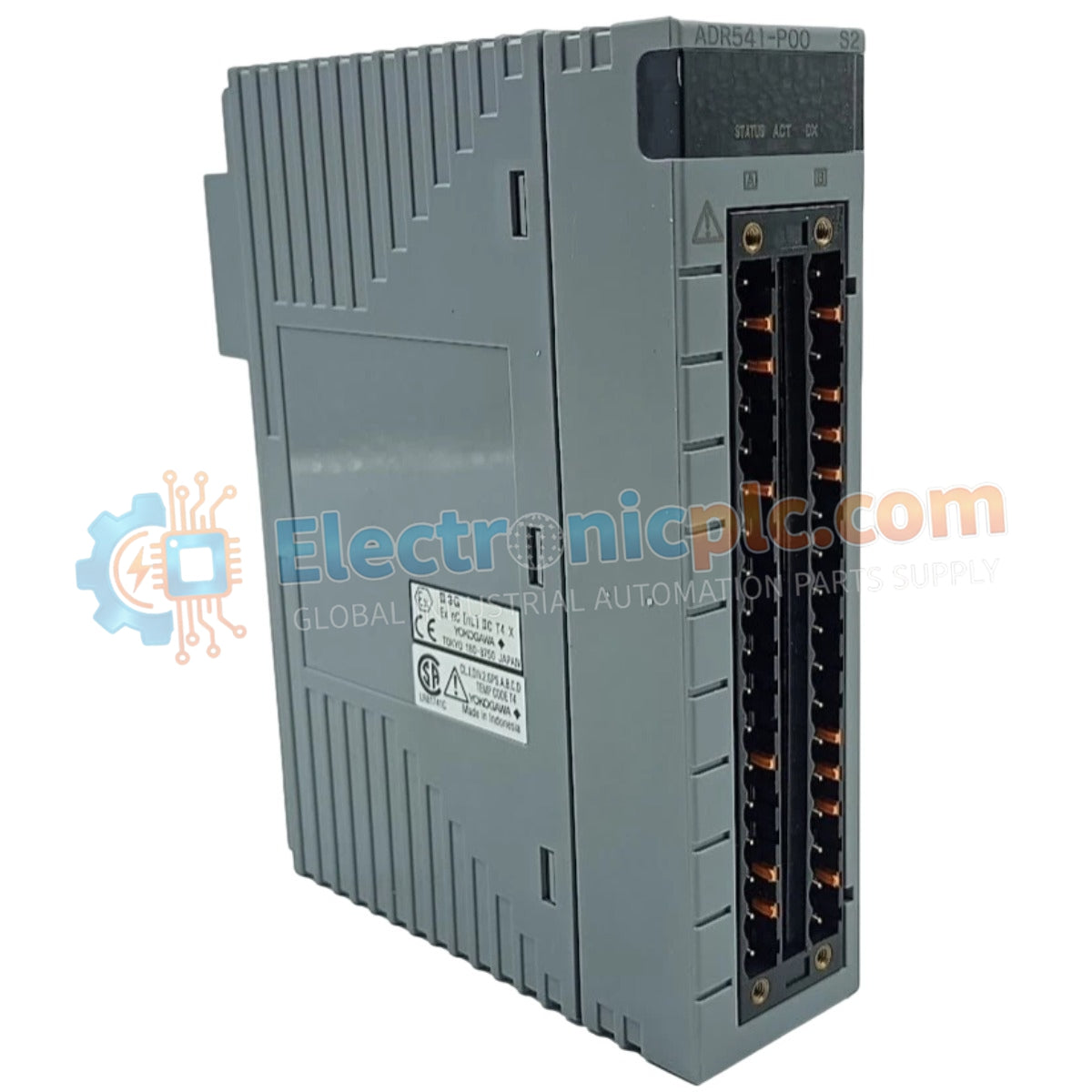
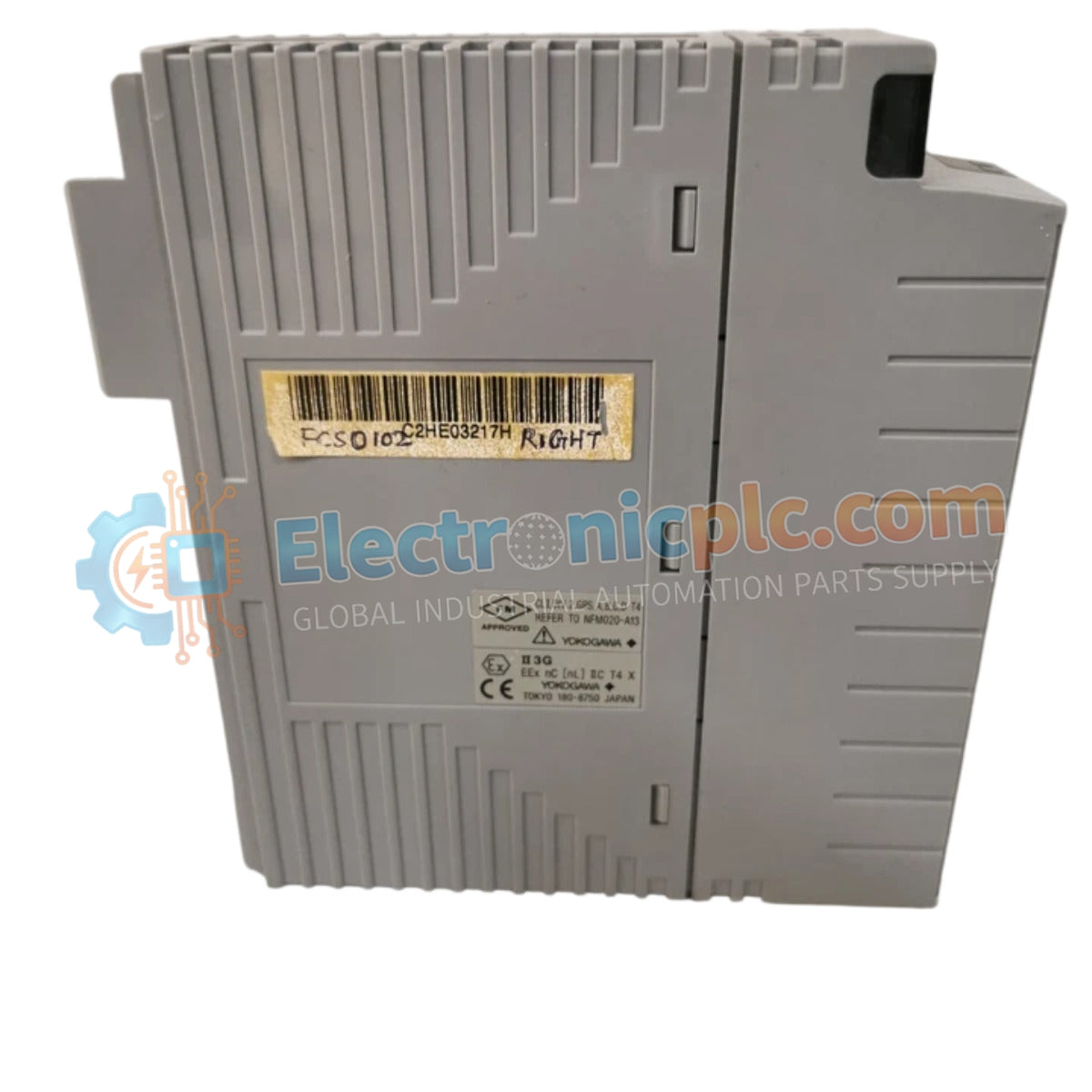
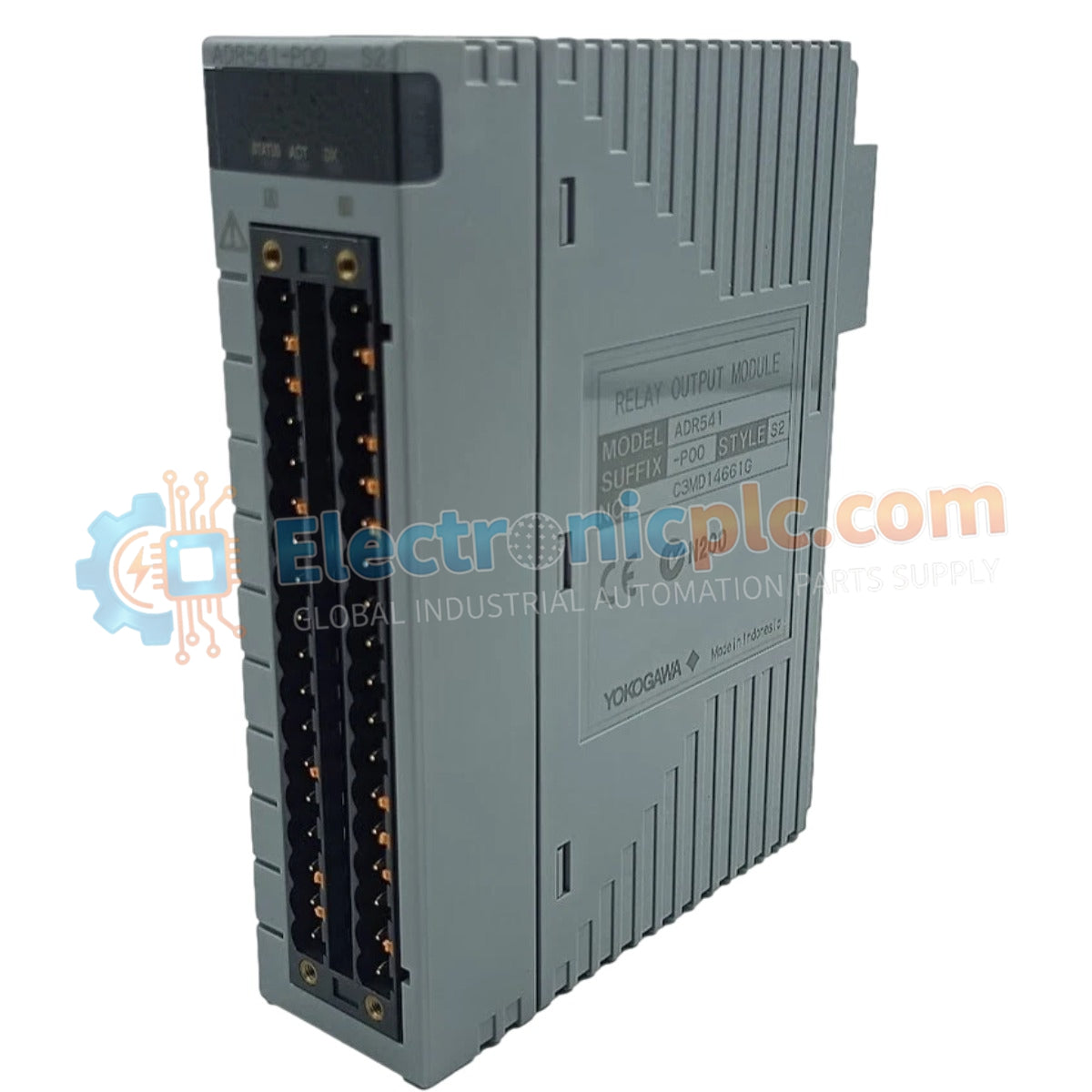
Configured for terminal protection within Field I/O (FIO) system architectures, the YOKOGAWA ACCC01 (ACCC01 Protective Cover) provides direct physical shielding for field cabling interfaces. This hardware component functions as a protective shroud utilized to secure cable connections and mitigate physical interference across Yokogawa I/O module platforms.
| Parameter | Specification |
|---|---|
| Model | ACCC01 |
| Brand | YOKOGAWA |
| Origin | Subject to factory marking |
| Weight | 0.6kg |
| Dimensions | Not specified |
| Operating Temp | Industrial standard range |
| Power Consumption | Not applicable (Passive) |
| Material | Durable plastic |
| Compatibility | Yokogawa FIO system modules |
The ACCC01 cover is engineered to encapsulate the terminal block interface of FIO modules, preventing accidental contact or environmental ingress. In industrial environments, the assembly protects high-density wiring terminations from dust, debris, and incidental physical impact. By maintaining a closed protective environment, the cover reduces the risk of oxidation and mechanical stress on the wire-to-terminal pressure points, thereby sustaining the electrical continuity required for process control loops.
Q: Does the ACCC01 affect the heat dissipation of the I/O module?
A: The cover is designed with ventilation profiles that permit passive airflow around the terminal area. However, in high-density rack configurations, ensure that the ambient temperature remains within the module's rated operating limits to avoid potential thermal derating.
Q: Can the cover be installed while the system is powered and operational?
A: Yes. The ACCC01 is a passive plastic component and can be installed or removed during system operation. Exercise caution to avoid contact with any exposed conductive terminals if the FIO module is energized.


