
My Cart
0 items
Genuine Automation Parts | Worldwide Express Delivery | 12-Month Warranty — [GET A QUOTE]

Configured for input control within Human Interface Station (HIS) environments, the YOKOGAWA AIP827-2 S1 (AIP827 USB Operation Keyboard) provides direct physical and electrical execution of operator commands across CENTUM distributed...
Availability: Low stock: 99 left
Reliable Worldwide Delivery
30-Day Money-Back Guarantee
Need more details? Read our fullShipping PolicyandRefund Policy.

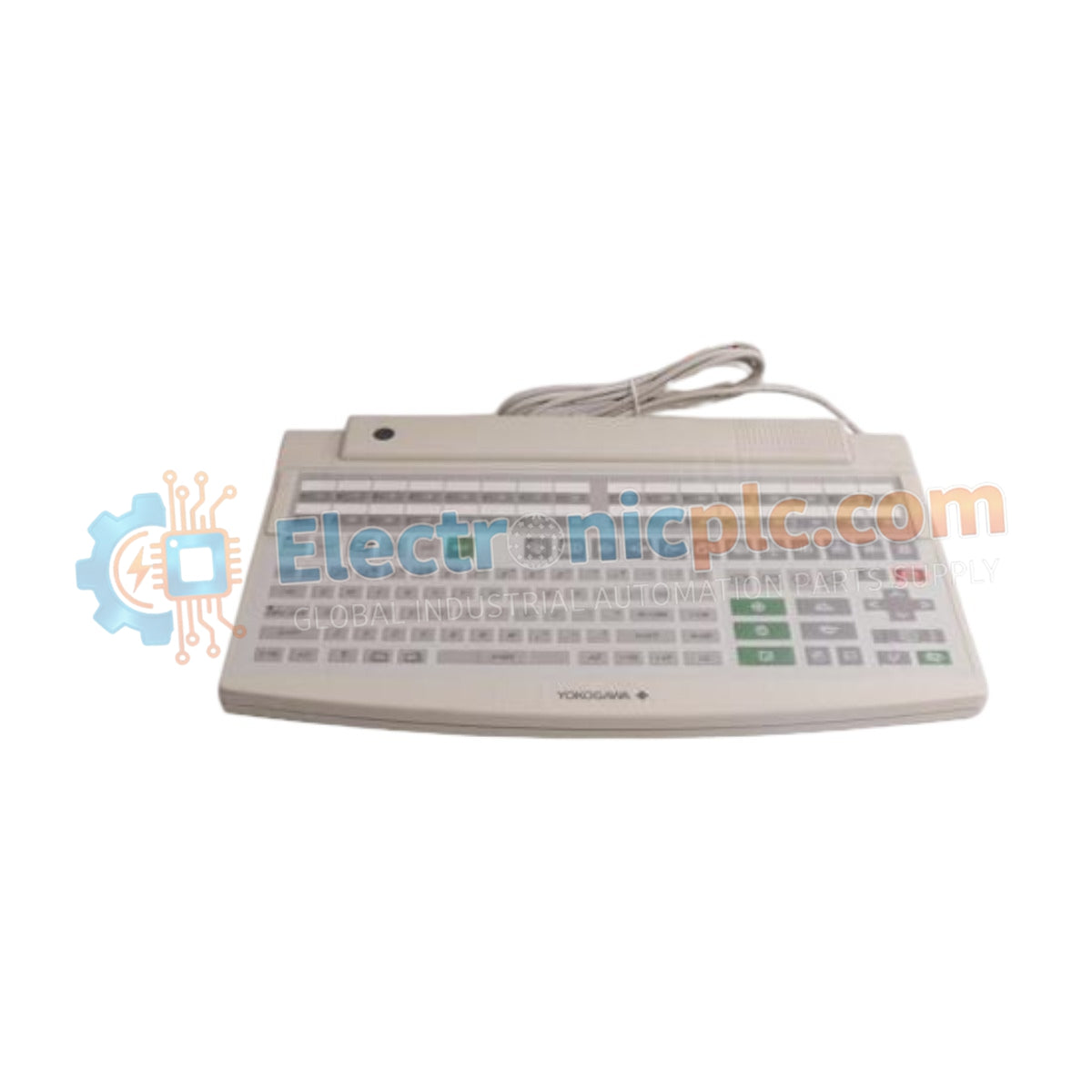
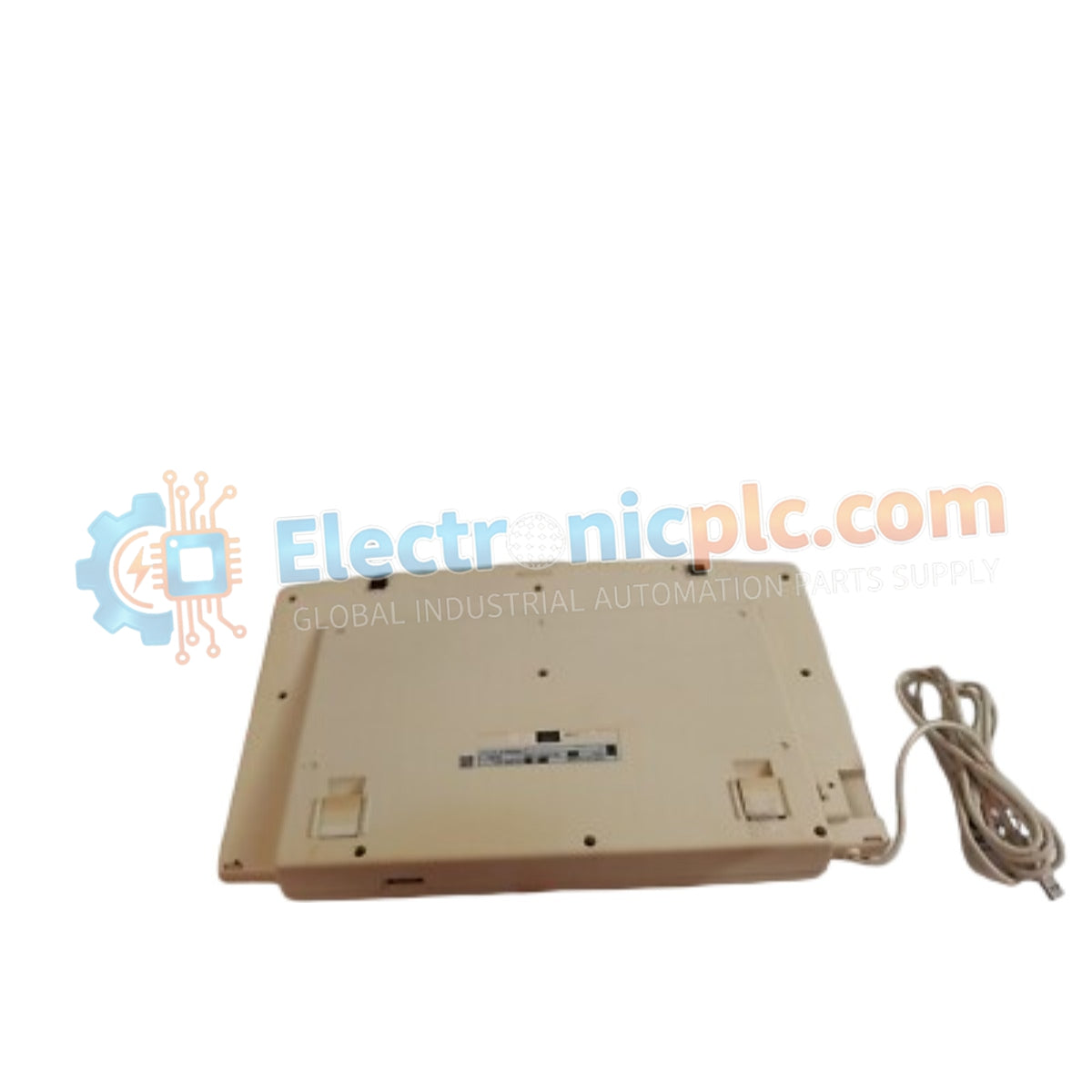
Configured for input control within Human Interface Station (HIS) environments, the YOKOGAWA AIP827-2 S1 (AIP827 USB Operation Keyboard) provides direct physical and electrical execution of operator commands across CENTUM distributed control system platforms.
| Suffix Code | Description |
|---|---|
| AIP827 | Base Model (USB Operation Keyboard for HIS) |
| -2 | 220-240 V AC Power Supply (with CE and C-Tick compliance) |
| S1 | Standard hardware revision |
| Parameter | Specification |
|---|---|
| Model | AIP827-2 S1 |
| Brand | YOKOGAWA |
| Origin | Not Specified |
| Weight | 2.5 kg |
| Dimensions | 44 cm x 28.4 cm x 5.2 cm |
| Operating Temp | 5 to 40 deg C |
| Power Consumption | 20 VA |
| Interface Connector | USB Type A |
| Paint Color | Frosty White (Munsell 2.5Y8.4/1.2) |
The AIP827-2 S1 is engineered with a dust- and drip-proof flat membrane interface, designed to maintain operational integrity in industrial control room settings. The module utilizes a standard USB A-type connector to interface with the Human Interface Station, ensuring compatibility with DCS workstation hardware. Given the 20 VA power requirement, the keyboard incorporates an external AC adapter to stabilize input voltage, minimizing electromagnetic noise from the local power grid that could otherwise affect the HID (Human Interface Device) communication protocol.
Q: Is the keyboard interface hot-swappable while the Human Interface Station is running?
A: Yes, the USB interface supports standard hot-plugging. However, in mission-critical control environments, it is recommended to ensure the system OS recognizes the device before initiating high-priority process commands.
Q: Can the keyboard operate in high-humidity environments?
A: The device is rated for 20 to 80 percent relative humidity (non-condensing). Exceeding these limits, or allowing condensation to form within the keyboard housing, may cause short-circuiting of the membrane switch matrix.


