
My Cart
0 items
Genuine Automation Parts | Worldwide Express Delivery | 12-Month Warranty — [GET A QUOTE]

The Yokogawa AIP827-2, also cataloged as the AIP827 Operation Keyboard, operates as a dedicated hardware component for Human Interface Station (HIS) input control within industrial automation environments. Configured for high-durability...
Availability: Low stock: 99 left
Reliable Worldwide Delivery
30-Day Money-Back Guarantee
Need more details? Read our fullShipping PolicyandRefund Policy.


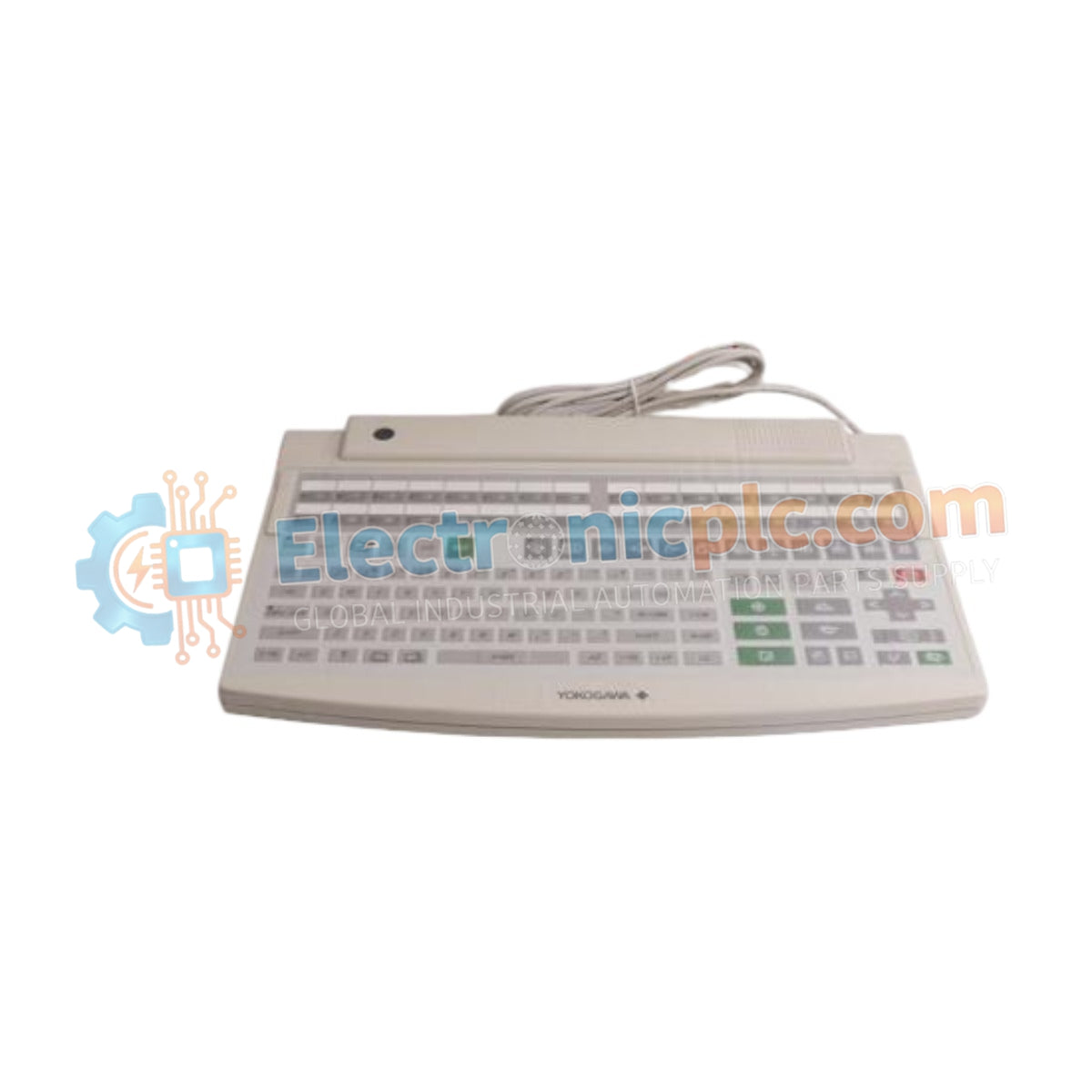
The Yokogawa AIP827-2, also cataloged as the AIP827 Operation Keyboard, operates as a dedicated hardware component for Human Interface Station (HIS) input control within industrial automation environments. Configured for high-durability service in process control systems, the Yokogawa AIP827-2 (AIP827 Operation Keyboard) provides direct physical signal execution via a dust-proof and drip-proof flat membrane interface, facilitating operator interaction through a standard QWERTY layout.
| Parameter | Specification |
|---|---|
| Model | AIP827-2 |
| Brand | Yokogawa |
| Origin | Japan |
| Weight | 2.5 kg |
| Dimensions | 44 cm x 28.4 cm x 5.2 cm |
| Operating Temp | 5 deg C to 40 deg C |
| Power Consumption | 20 VA |
| Power Supply | 100-120 VAC or 220-240 VAC, 50/60 Hz |
| Interface | USB A-type |
The AIP827-2 utilizes a discrete USB A-type interface to transmit operator inputs to the HIS. The module maintains signal integrity through a robust, sealed chassis design, preventing the ingress of particulate matter and moisture in harsh industrial zones. The system architecture supports dual voltage input ranges, ensuring compatibility with varying plant power distribution infrastructures. The keyboard assembly incorporates channel-to-channel isolation principles within the integrated AC power adapter, protecting the internal logic circuits from transients commonly present on industrial AC lines.
Q: Is the AIP827-2 keyboard compatible with hot-plugging during HIS operation?
A: While the USB interface supports standard enumeration, it is advised to perform connections while the HIS is in a stable state to ensure the driver stack correctly identifies the peripheral as the primary input device.
Q: How does the dust- and drip-proof design affect cleaning and maintenance?
A: The flat-key design allows for surface-level cleaning using non-abrasive, lint-free cloths. Avoid using solvent-based cleaners that may compromise the integrity of the membrane seal or the Munsell-specified chassis finish.


