
My Cart
0 items
Genuine Automation Parts | Worldwide Express Delivery | 12-Month Warranty — [GET A QUOTE]

Configured for human-machine interface (HMI) interaction in control environments, the YOKOGAWA AIP827 (AIP827 USB Operation Keyboard) provides direct physical input execution for Human Interface Stations (HIS).
Availability: In stock
Reliable Worldwide Delivery
30-Day Money-Back Guarantee
Need more details? Read our fullShipping PolicyandRefund Policy.


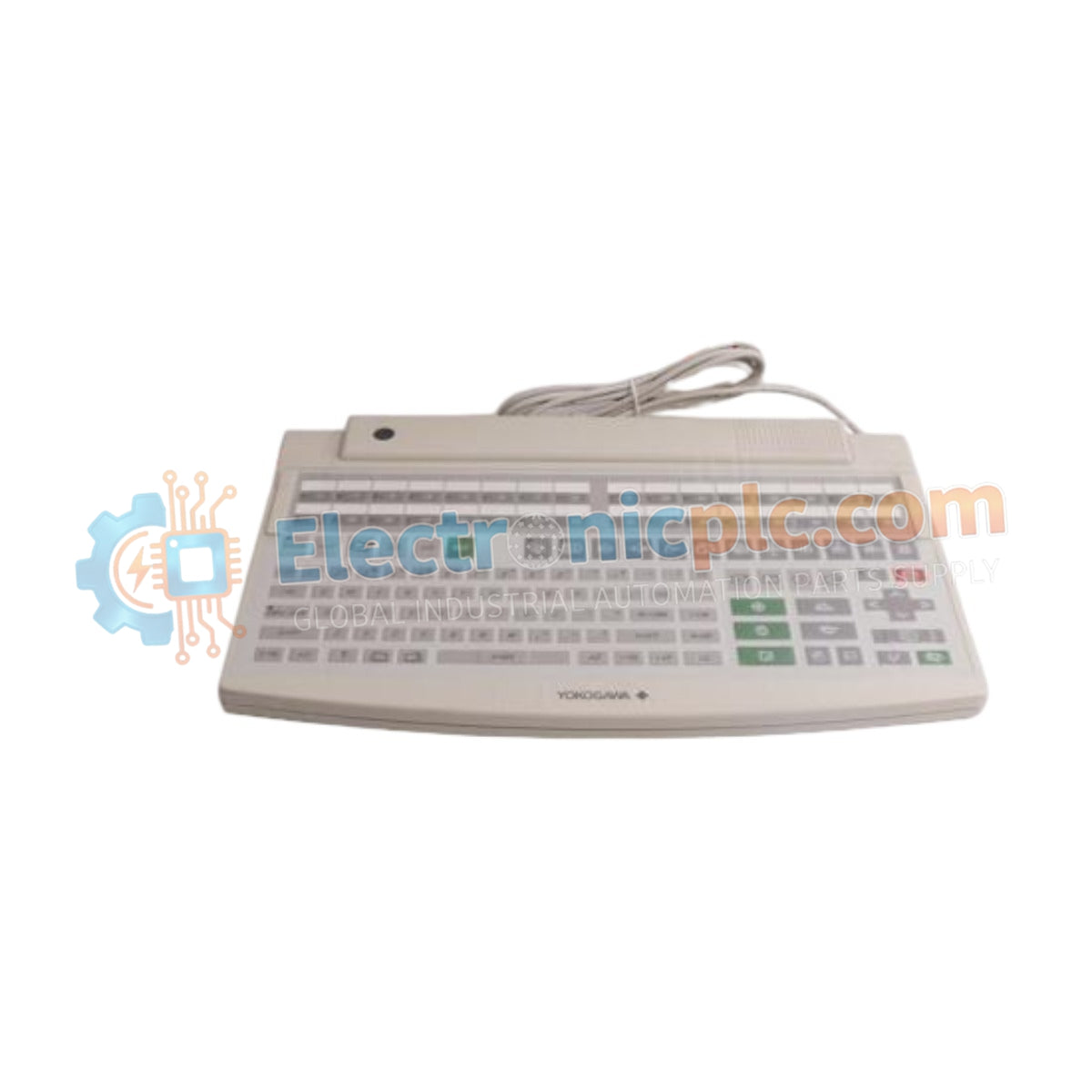
Configured for human-machine interface (HMI) interaction in control environments, the YOKOGAWA AIP827 (AIP827 USB Operation Keyboard) provides direct physical input execution for Human Interface Stations (HIS).
| Parameter | Specification |
|---|---|
| Model | AIP827 |
| Brand | YOKOGAWA |
| Origin | Japan |
| Weight | 2.5 kg |
| Dimensions | 44 cm x 28.4 cm x 5.2 cm |
| Operating Temp | 5 to 40 deg C |
| Power Consumption | 20 VA |
| Connection Type | USB A-type |
| Input Voltage | 100-120 VAC or 220-240 VAC |
| Ingress Rating | Dust- and drip-proof |
The AIP827 facilitates integration with control systems via standardized USB connectivity, ensuring deterministic signal transmission between the operator input and the HIS. The hardware is engineered for process control environments where 4-20 mA HART loop protocol monitoring is frequently managed through the operator interface. The unit supports robust channel-to-channel isolation principles in its underlying interface architecture to prevent signal interference from external peripherals, maintaining data integrity during operator-initiated control sequences.
Q: Can the AIP827 be connected to standard commercial USB hubs?
A: While the interface is USB A-type, direct connection to the dedicated HIS USB port is mandated to ensure signal timing stability and compatibility with Yokogawa driver protocols. Avoid using unpowered commercial hubs to prevent input latency.
Q: Is the keyboard field-repairable if liquid ingress occurs?
A: The AIP827 features a dust- and drip-proof flat design; however, internal membrane components are not field-repairable. Any breach of the protective casing requires complete unit replacement to maintain the ingress protection rating.


