Skip to product information
1 of 2

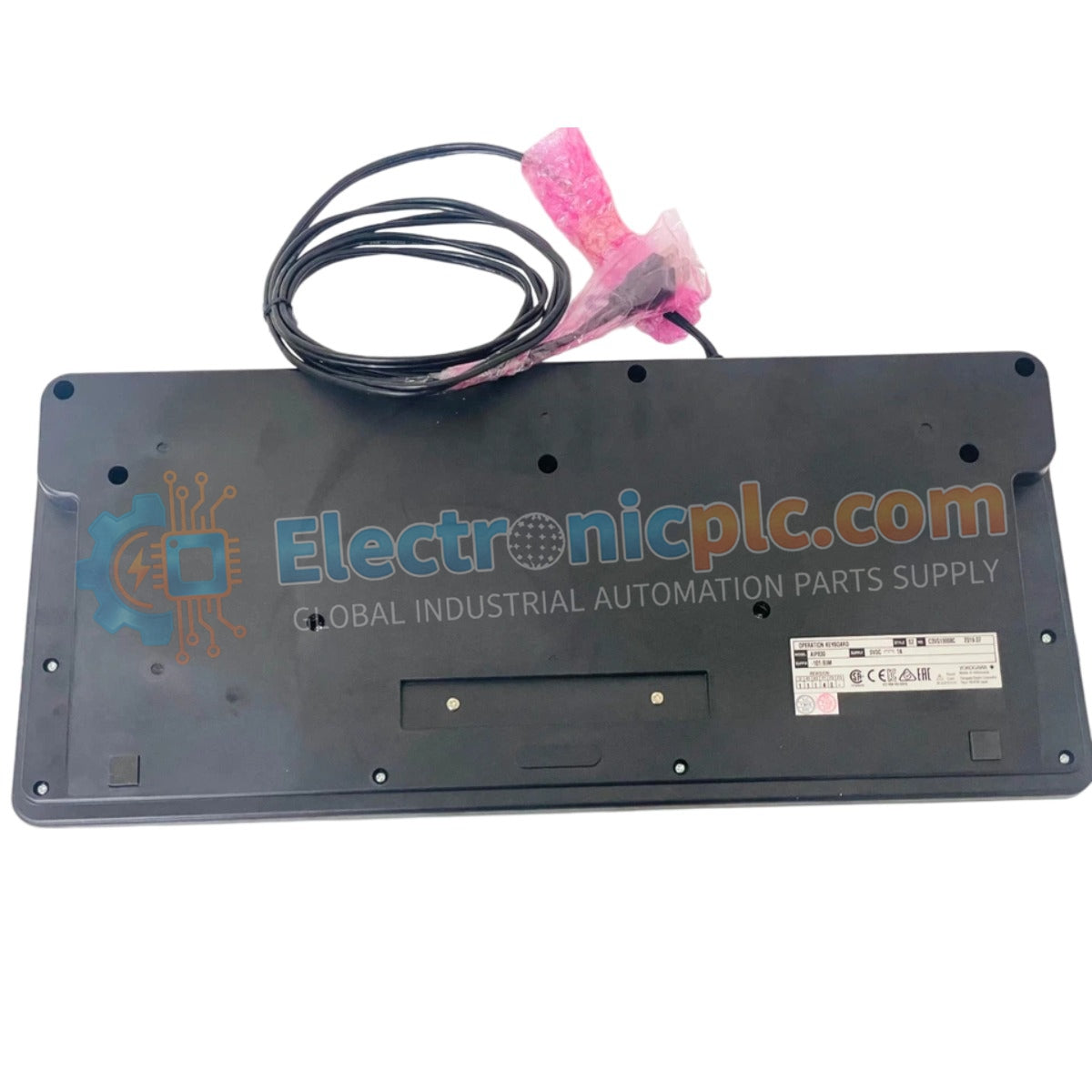
AIP830-001/EIM YOKOGAWA Operation Keyboard | New & Original Stock

AIP830-001/EIM YOKOGAWA Operation Keyboard | New & Original Stock

The YOKOGAWA AIP830-001/EIM is an essential human-machine interface (HMI) component designed for precise process management within CENTUM VP distributed control systems. It combines tactile feedback with modern USB connectivity to...

15 people are viewing this right now

AvailabilityLow stock: 99 left

SKU: AIP830-001-EIM
Vendor: Yokogawa
Category: Operation Keyboard
Related Series:

Shipping & Returns

Reliable Worldwide Delivery

  • Carriers: Shipped via DHL, FedEx, UPS, or USPS.
  • Dispatch: Orders processed in 1-2 business days and dispatched within 3-5 business days.
  • Tracking: Full tracking details provided via email upon shipment.

30-Day Money-Back Guarantee

  • Guarantee: 30-day return window for in-stock, factory-sealed products.
  • Condition: Items must be unopened, unused, and in original packaging.
  • Authenticity: We guarantee 100% original and authentic hardware.

Need more details? Read our fullShipping PolicyandRefund Policy.

Authenticity & Warranty

  • Genuine Guarantee: We supply only 100% original, brand-new, and factory-sealed industrial automation parts.
  • Full Coverage: Every component is backed by a 12-month comprehensive warranty from the date of purchase.
  • Traceability: All products come with original factory documentation and accessories for full industrial compliance.

Technical Support & Sourcing

  • Expert Assistance: Our technical team provides free consultation to help you verify compatibility for DCS and PLC systems.
  • Rare Part Sourcing: Specializing in obsolete and hard-to-find components from Allen-Bradley, Siemens, ABB, HIMA, and more.
  • Bulk Inquiries: Contact us at pambo@5gplc.com for volume pricing or customized project quotes.
View full product details

The YOKOGAWA AIP830-001/EIM is an essential human-machine interface (HMI) component designed for precise process management within CENTUM VP distributed control systems. It combines tactile feedback with modern USB connectivity to ensure reliable command execution for industrial operators.

Suffix Breakdown & Model Matrix

The AIP830 series utilizes specific suffix codes to define physical integration and compatibility:

  • Model AIP830: Operation Keyboard for control console integration.
  • Suffix 001: Standard base configuration for operator input and control functionality.
  • Suffix /EIM: Denotes the specific interface module and firmware integration required for seamless CENTUM VP workstation communication.

Hardware Specifications

Parameter Specification
Model AIP830-001/EIM
Brand YOKOGAWA
Origin Japan
Weight 2.0 kg
Color Black (Munsell No. N1.5 Equivalent)
Operating Temp 5 deg C to 40 deg C
Input Voltage 5 V ±5% (USB Bus)
Max Current 1 A
Connectivity USB 2.0 (Control) / USB 1.1 (Audio)

Human-Machine Interface (HMI) Functionality

The AIP830-001/EIM serves as the physical bridge between the operator and the control process. Its interface is designed for high-frequency interaction, allowing for rapid alarm acknowledgment, loop setpoint modification, and display navigation. By utilizing USB 2.0 for control signals and USB 1.1 for integrated sound functions, the keyboard ensures that auditory alarm feedback is synchronized with visual console alerts, maintaining high situational awareness for plant operators.

Frequently Asked Questions

Q: Is the AIP830-001/EIM compatible with standard office computers?

A: While it utilizes a USB interface, it is specifically engineered for YOKOGAWA CENTUM VP workstation environments. Its firmware and key mapping are optimized for DCS operations and may not function as a standard keyboard on generic PC operating systems.

Q: Can the keyboard be powered by an external power supply?

A: No. The unit is designed to be bus-powered via the USB port of the workstation, drawing a maximum of 1 A at 5 V. Ensure the connected USB port provides sufficient current to maintain reliable operation.

Field Installation Guidelines

  1. Position the keyboard on the operator console within the designated ergonomic cut-out to ensure comfortable reach during shift hours.
  2. Connect the primary USB cable to the workstation's dedicated HMI port; ensure the cable is routed away from high-voltage EMI sources to prevent communication errors.
  3. Verify that the operating environment temperature is maintained within the 5 deg C to 40 deg C range to protect the internal electronic components and tactile switch longevity.
  4. Clean the keyboard surface using a soft, dry cloth; avoid using liquid solvents that may seep into the key switches or damage the black chassis finish.
  5. Perform a system-level diagnostic test via the engineering station to confirm that all keys, function indicators, and audio output modules are correctly reporting to the control system.