Skip to product information
1 of 2

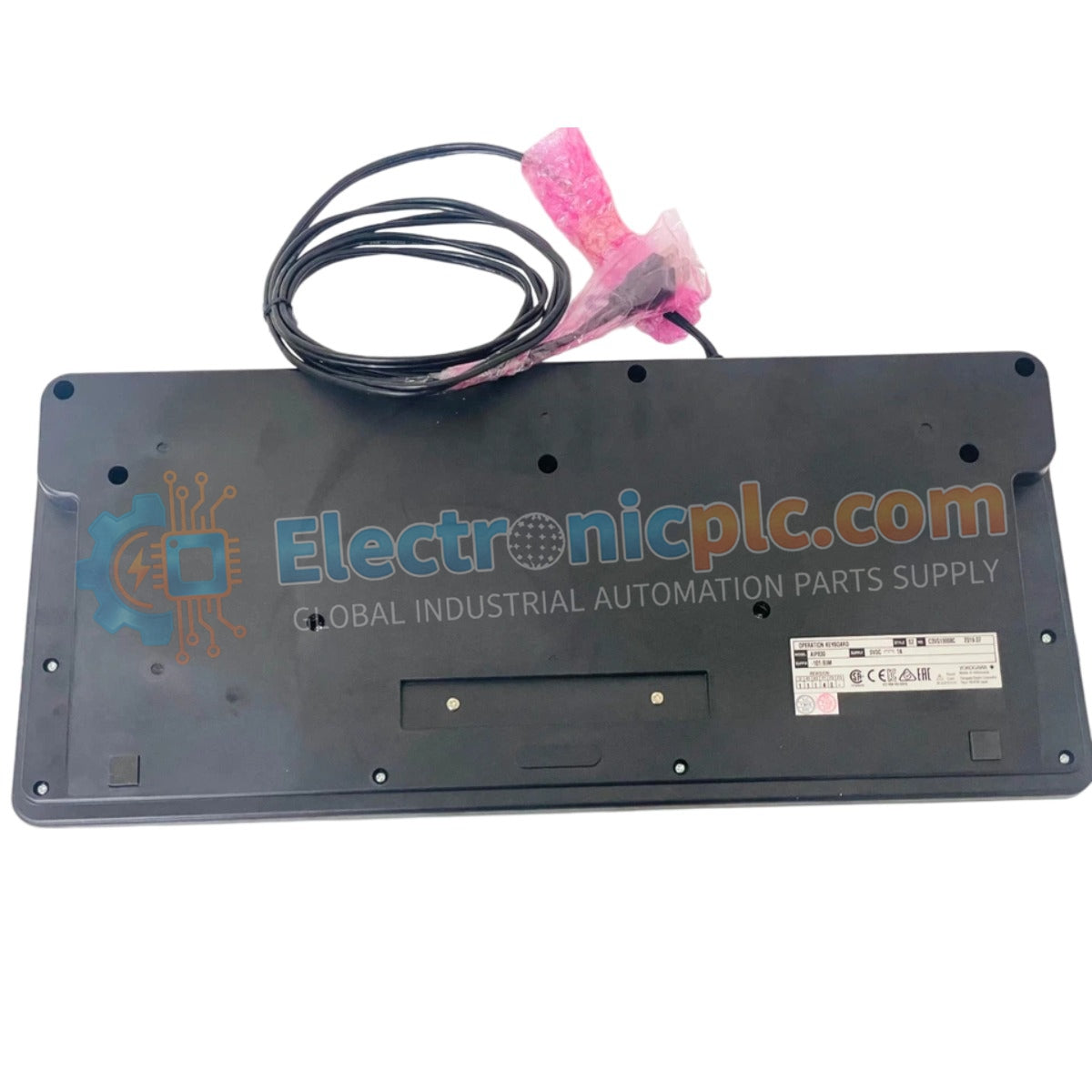
AIP830-101/EIM YOKOGAWA Operation Keyboard | New & Original Stock

AIP830-101/EIM YOKOGAWA Operation Keyboard | New & Original Stock

The YOKOGAWA AIP830-101/EIM, also cataloged as the AIP830 Operation Keyboard, operates as a dedicated human-machine interface (HMI) component for command execution and navigation within CENTUM VP distributed control systems.

Suffix...

21 people are viewing this right now

AvailabilityLow stock: 99 left

SKU: AIP830-101/EIM
Vendor: Yokogawa
Category: Operation Keyboard
Related Series:

Shipping & Returns

Reliable Worldwide Delivery

  • Carriers: Shipped via DHL, FedEx, UPS, or USPS.
  • Dispatch: Orders processed in 1-2 business days and dispatched within 3-5 business days.
  • Tracking: Full tracking details provided via email upon shipment.

30-Day Money-Back Guarantee

  • Guarantee: 30-day return window for in-stock, factory-sealed products.
  • Condition: Items must be unopened, unused, and in original packaging.
  • Authenticity: We guarantee 100% original and authentic hardware.

Need more details? Read our fullShipping PolicyandRefund Policy.

Authenticity & Warranty

  • Genuine Guarantee: We supply only 100% original, brand-new, and factory-sealed industrial automation parts.
  • Full Coverage: Every component is backed by a 12-month comprehensive warranty from the date of purchase.
  • Traceability: All products come with original factory documentation and accessories for full industrial compliance.

Technical Support & Sourcing

  • Expert Assistance: Our technical team provides free consultation to help you verify compatibility for DCS and PLC systems.
  • Rare Part Sourcing: Specializing in obsolete and hard-to-find components from Allen-Bradley, Siemens, ABB, HIMA, and more.
  • Bulk Inquiries: Contact us at pambo@5gplc.com for volume pricing or customized project quotes.
View full product details

The YOKOGAWA AIP830-101/EIM, also cataloged as the AIP830 Operation Keyboard, operates as a dedicated human-machine interface (HMI) component for command execution and navigation within CENTUM VP distributed control systems.

Suffix Breakdown & Model Matrix

The AIP830 series utilizes specific suffix codes to define physical layout and system integration requirements:

  • Model AIP830: Operation Keyboard for operator station integration.
  • Suffix 101: Standard configuration for operator input and control functionality.
  • Suffix /EIM: Denotes the specific interface module and firmware version required for CENTUM VP workstation compatibility.

Hardware Specifications

Parameter Specification
Model AIP830-101/EIM
Brand YOKOGAWA
Origin Japan
Weight 2.2 kg
Dimensions 18.5 x 18.5 x 10.5 cm
Operating Temp Standard industrial range
Power Consumption Subject to workstation connection
Interface Dedicated HMI communication port
Mounting Type Desktop or console-mount

Process Control Connectivity and HMI Functionality

The AIP830-101/EIM serves as the primary tactile interface for operators, facilitating setpoint adjustments, alarm acknowledgment, and loop control within the DCS environment. The keyboard layout is engineered for high-frequency usage in control room settings, featuring durable mechanical switches that provide clear feedback during high-stress operational scenarios. The interface module translates keystrokes into deterministic control signals, which are transmitted to the workstation and subsequently across the control network. This ensures that operator commands are registered and executed by field controllers with minimal latency, supporting the responsiveness required for safe plant management.

Frequently Asked Questions

Q: Can the AIP830-101/EIM be connected to multiple operator stations?

A: No. The keyboard is intended for dedicated use with a single operator station to maintain strict control authority and prevent command conflicts between different stations.

Q: Is the keyboard layout customizable for specific plant operations?

A: The AIP830 features a standardized layout for CENTUM VP operations. While some software-defined function keys may be configured via the DCS software, the physical key mapping remains fixed to ensure ergonomic consistency across all operator terminals.

Field Installation Guidelines

  1. Place the keyboard on a level, vibration-dampened surface or secure it within the console cut-out provided in the operator desk.
  2. Connect the interface cable to the dedicated HMI port on the rear of the operator station; ensure the connector is fully seated to prevent intermittent command loss.
  3. Verify that the keyboard driver is initialized by the workstation upon power-up; check the system status indicators to confirm communication is established.
  4. Keep the keyboard surface clean and free of liquids or particulate matter to prevent mechanical switch failure or accidental key activation.
  5. Perform a functional test using the engineering diagnostic software to verify that all tactile keys and indicators report correct signals to the system.