My Cart
0 items
Genuine Automation Parts | Worldwide Express Delivery | 12-Month Warranty — [GET A QUOTE]

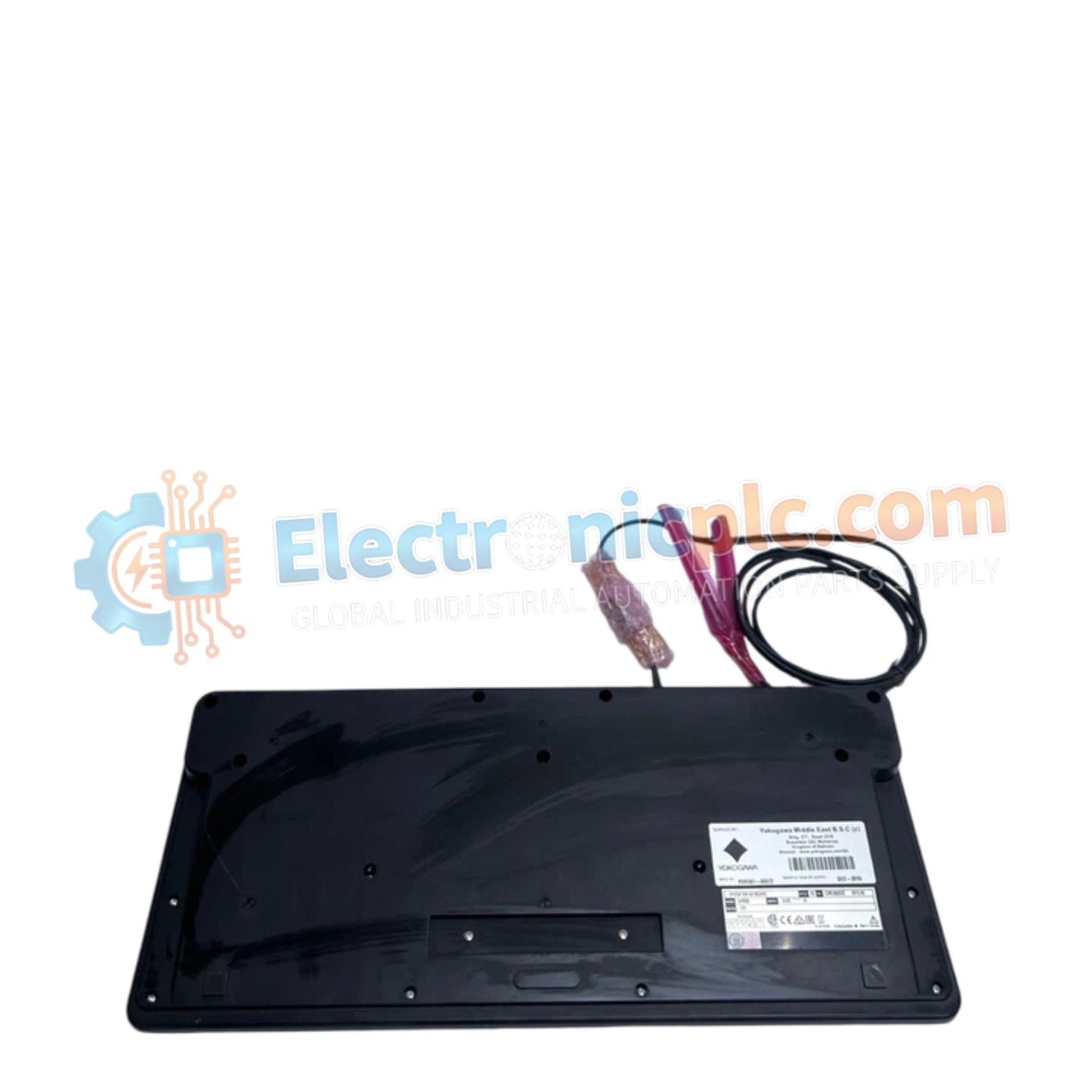
Configured for process control monitoring within DCS environments, the Yokogawa AIP830-101 (AIP830-101 Operation Keyboard) provides direct human-machine interface execution via a standardized USB peripheral architecture.
| Parameter | Specification |
|---|---|
| Model | AIP830-101 |
| Brand | Yokogawa |
| Origin | Japan |
| Weight | 2.3 kg |
| Dimensions | 20.3 cm x 22.9 cm x 7.6 cm |
| Operating Temp | 5 deg C to 40 deg C |
| Power Consumption | 1 A (max) at 5 V DC |
| Interface | 2 x USB Type A |
| Protocol | USB 1.1 (full speed) |
| Form Factor | Flat-panel |
The AIP830-101 serves as a dedicated input device for Yokogawa control platforms, supporting deterministic data entry for single-loop and multi-loop control strategies. The unit integrates with DCS workstations via standard USB 1.1 protocol, ensuring low-latency signal transmission for operator-initiated adjustments. The keyboard circuitry is shielded to minimize electromagnetic interference (EMI) ingress within control room environments. Furthermore, the architecture supports multi-channel input handling, ensuring that simultaneous operator keystrokes are processed without data collisions, thereby maintaining operational command sequence integrity.
Q: Is the AIP830-101 compatible with standard Windows-based PCs used in control rooms?
A: Yes. The device utilizes a standard USB interface and is compatible with workstations running Yokogawa operator station software; it functions as a standard HID (Human Interface Device) peripheral.
Q: Can the keyboard be extended using USB hubs or active repeaters?
A: While standard USB extension methods are possible, it is recommended to use industrial-grade active repeaters to prevent communication latency or voltage drops, as the keyboard requires a stable 5 V supply (plus or minus 5%) from the host port.