
My Cart
0 items
Genuine Automation Parts | Worldwide Express Delivery | 12-Month Warranty — [GET A QUOTE]

The Yokogawa AIP830-101, also cataloged as the AIP830 Operation Keyboard, operates as a dedicated hardware component for human-machine interface (HMI) control within centralized process monitoring stations. This device provides direct...
Availability: Low stock: 99 left
Reliable Worldwide Delivery
30-Day Money-Back Guarantee
Need more details? Read our fullShipping PolicyandRefund Policy.

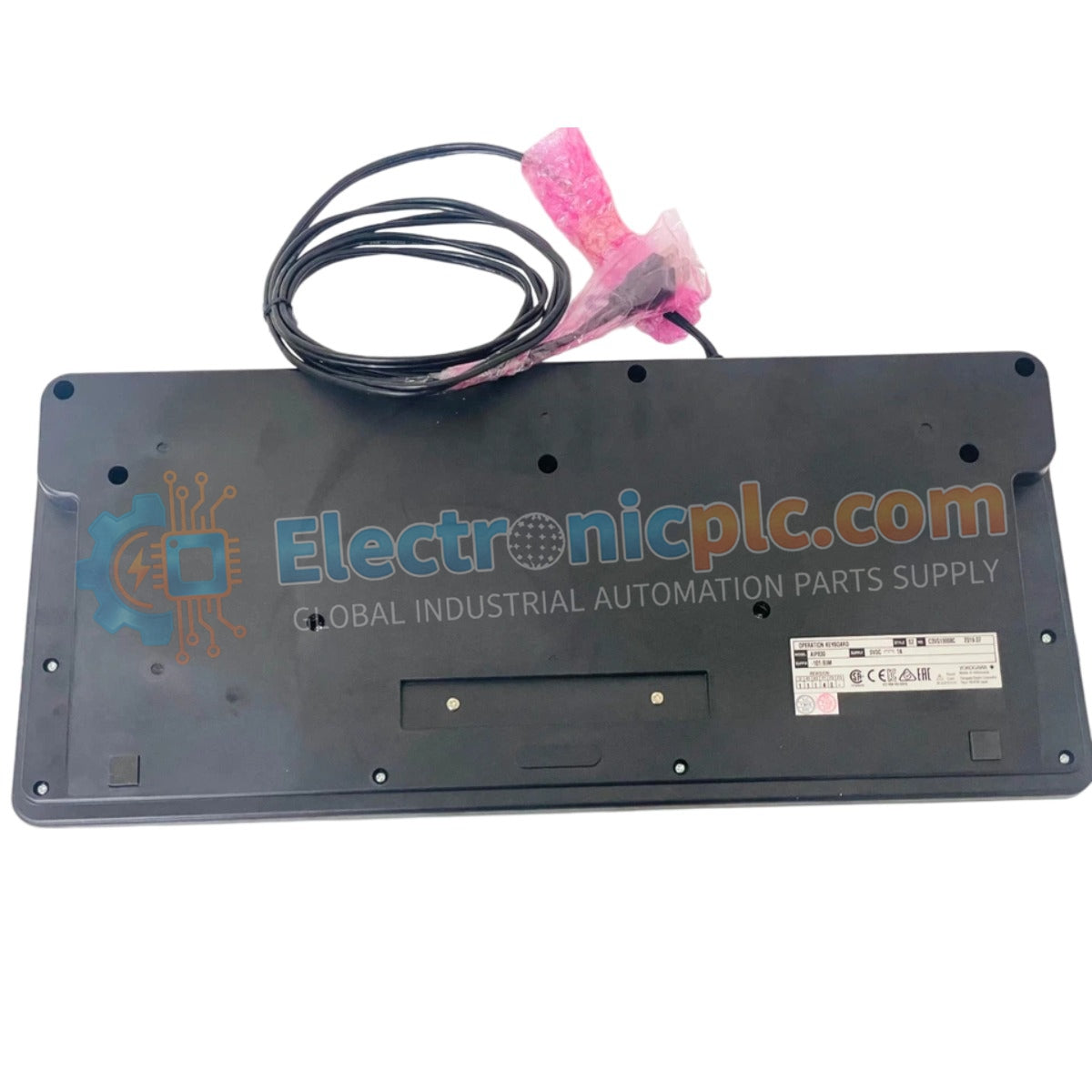
The Yokogawa AIP830-101, also cataloged as the AIP830 Operation Keyboard, operates as a dedicated hardware component for human-machine interface (HMI) control within centralized process monitoring stations. This device provides direct physical execution of operator inputs, facilitating discrete control of single-loop parameters through a ruggedized flat-panel architecture.
| Parameter | Specification |
|---|---|
| Model | AIP830-101 |
| Brand | Yokogawa |
| Origin | Japan |
| Weight | 2.3 kg |
| Dimensions | 20.3 cm x 22.9 cm x 7.6 cm |
| Operating Temp | 5 deg C to 40 deg C |
| Power Consumption | 5 VDC (1 A max) |
| Interface Type | 2 x USB Type A |
| Sound Protocol | USB 1.1 (Bus Powered) |
The AIP830-101 leverages USB 1.1 full-speed communication protocols to maintain deterministic data transmission between the keyboard and the operator station workstation. By integrating two USB Type A ports, the device supports peripheral expansion while maintaining a low-latency feedback loop for critical process adjustments. The flat-panel design is engineered to minimize mechanical fatigue during high-frequency input cycles, ensuring stable data registration within the control network environment.
Q: Does the keyboard require external power or an AC adapter?
A: No, the AIP830-101 is powered directly via the PC USB port. The device is designed to draw a maximum of 1 A; ensure the workstation USB host controller is capable of providing this current capacity.
Q: Can this keyboard be used in high-vibration or high-dust industrial environments?
A: The device is built with a ruggedized construction; however, it is intended for use in controlled operator station environments. Excessive exposure to conductive dust may interfere with internal switch contacts over time.

