
My Cart
0 items
Genuine Automation Parts | Worldwide Express Delivery | 12-Month Warranty — [GET A QUOTE]

The Yokogawa AIP831-011/VESA/EIM, also cataloged as the AIP831-011 Operation Keyboard, operates as a dedicated hardware component for eight-loop simultaneous process control and tactile interface management within CENTUM VP Desktop Type...
Availability: In stock
Reliable Worldwide Delivery
30-Day Money-Back Guarantee
Need more details? Read our fullShipping PolicyandRefund Policy.


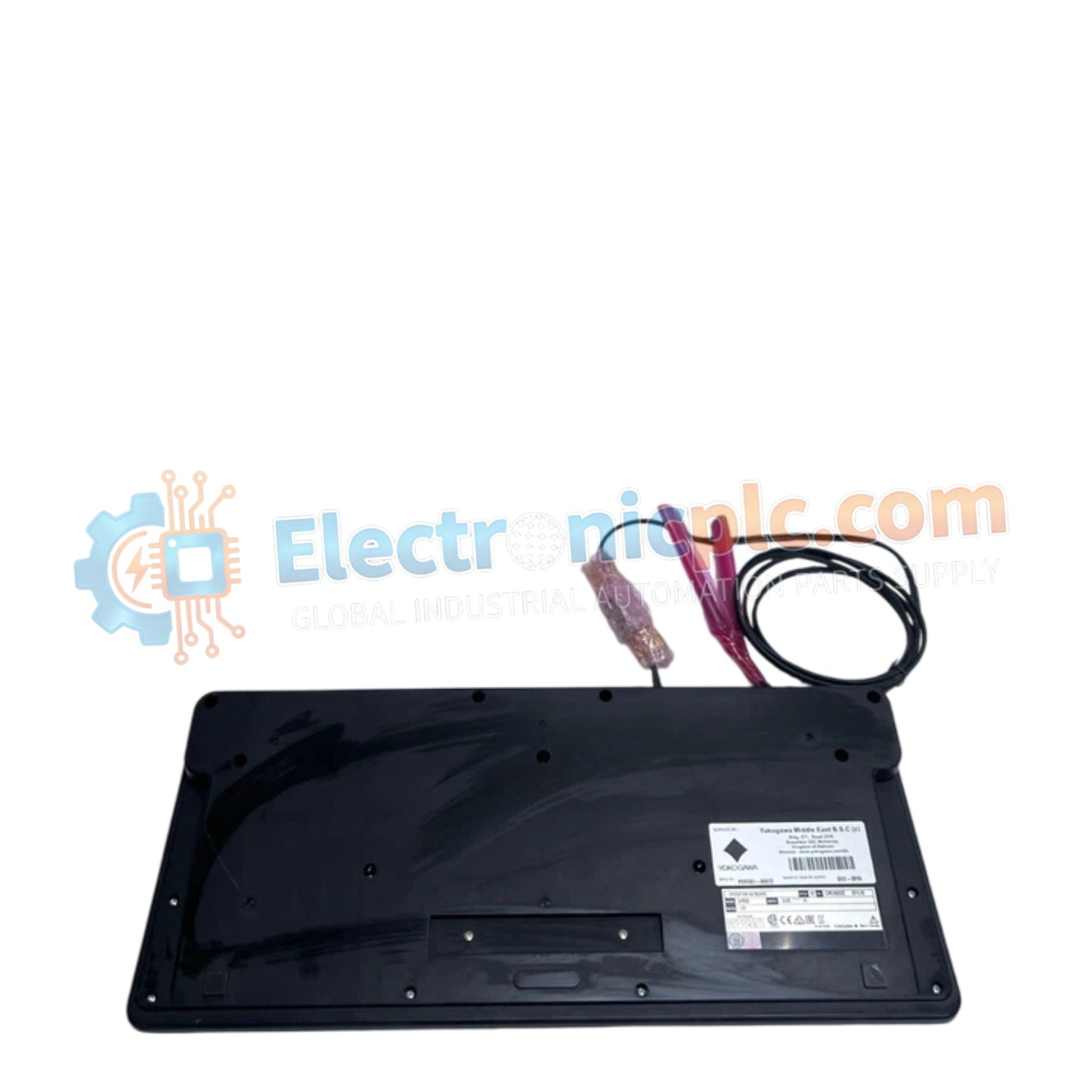
The Yokogawa AIP831-011/VESA/EIM, also cataloged as the AIP831-011 Operation Keyboard, operates as a dedicated hardware component for eight-loop simultaneous process control and tactile interface management within CENTUM VP Desktop Type Human Interface Station (HIS) platforms.
| Parameter | Specification |
|---|---|
| Model | AIP831-011/VESA/EIM |
| Brand | Yokogawa |
| Origin | Japan |
| Weight | 2.0 kg |
| PC Interface | 2 x USB Type A (USB 2.0 and USB 1.1) |
| Input Voltage | 5 V DC +/- 5% |
| Max Current | 1 A (Bus-powered) |
| Compatibility | CENTUM VP Desktop Type HIS |
The AIP831-011 is engineered to support advanced operator interaction, specifically enabling eight-loop simultaneous operation when paired with the LHS1140 software package. Key features include touch-sensitive sensors for instrument faceplate highlighting and an integrated USB-based speaker system for localized audible alarm annunciation. The keyboard requires the CENTUM VP Standard Operation and Monitoring Function (LHS1100 or LHM1101) at version R5.03 or later to ensure full driver and function compatibility. It is strictly limited to a single unit per Desktop Type HIS station and is incompatible with LHS1120 or LHS1130 software suites.
Q: Can the AIP831-011 be used in conjunction with other operation keyboard packages?
A: The keyboard is incompatible with LHS1120 or LHS1130 packages. It is strictly designed for use with the LHS1140 Eight-loop Simultaneous Operation Package and standard monitoring functions.
Q: How is the integrated USB speaker handled by the PC interface?
A: The keyboard utilizes two USB Type A connections: one for the core keyboard and operation functions (USB 2.0) and a secondary connection for the sound function (USB 1.1), both of which are bus-powered from the workstation.


