
My Cart
0 items
Genuine Automation Parts | Worldwide Express Delivery | 12-Month Warranty — [GET A QUOTE]

Configured for high-efficiency process management in CENTUM VP Desktop-type Human Interface Systems (HIS), the YOKOGAWA AIP831-101/VESA/EIM (AIP831 Flat Keyboard) provides direct electrical execution of HMI control commands. The device utilizes...
Availability: In stock
Reliable Worldwide Delivery
30-Day Money-Back Guarantee
Need more details? Read our fullShipping PolicyandRefund Policy.


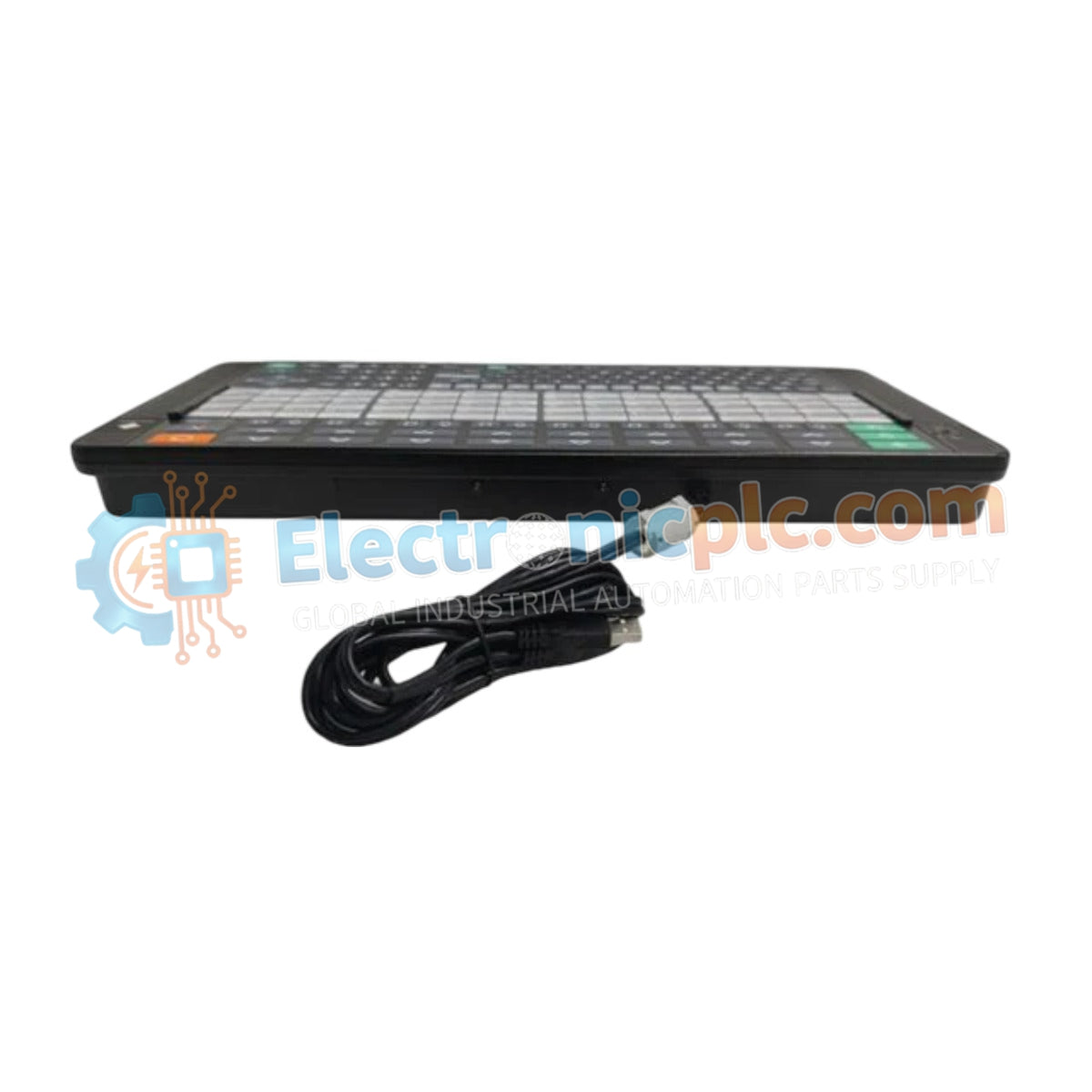
Configured for high-efficiency process management in CENTUM VP Desktop-type Human Interface Systems (HIS), the YOKOGAWA AIP831-101/VESA/EIM (AIP831 Flat Keyboard) provides direct electrical execution of HMI control commands. The device utilizes integrated touch sensors and audio signaling to facilitate simultaneous control of up to eight process loops, streamlining operator interaction with the distributed control architecture.
| Parameter | Specification |
|---|---|
| Model | AIP831-101/VESA/EIM |
| Brand | YOKOGAWA |
| Origin | Japan |
| Weight | 2.0 kg |
| Dimensions | Standard desktop HIS footprint |
| Operating Temp | 5 to 40 deg C |
| Power Consumption | 5 VDC (via USB), 1 A (max) |
| Interface | 2 x USB (2.0 for operation, 1.1 for audio) |
| Audio | Integrated USB speaker |
The AIP831-101/VESA/EIM is engineered to optimize operator response times through tactile touch-sensing and localized audio feedback. The touch sensor array supports "Instrument faceplate highlight" functions, allowing operators to rapidly isolate and adjust specific control loops without navigating complex graphical menus. The integrated electronic buzzer, driven via a dedicated USB 1.1 channel, ensures that critical process alarms are audible even in high-ambient-noise control room environments. The keyboard chassis is finished in Munsell No. N1.5 black to minimize glare and reflection, supporting long-term operator focus.
Q: Can the keyboard be connected to a non-CENTUM HIS computer system?
A: The AIP831 is specifically optimized for Yokogawa CENTUM VP desktop HIS hardware. While it utilizes standard USB interface connectors, full functionality including the instrument faceplate highlight and integrated alarm buzzer is dependent on the proprietary Yokogawa HIS driver environment.
Q: How is the touch sensor calibrated for usage?
A: The sensor is designed for direct operation with bare hands. Avoid using gloves, as the capacitive sensing technology may fail to detect inputs; periodic cleaning with a dry, anti-static cloth is required to maintain sensor sensitivity.


