
My Cart
0 items
Genuine Automation Parts | Worldwide Express Delivery | 12-Month Warranty — [GET A QUOTE]

Configured for eight-loop simultaneous operation in CENTUM VP Desktop type human interface stations (HIS), the Yokogawa AIP831-101 (AIP831 Operation Keyboard) provides direct physical execution of instrument faceplate interaction. This device...
Availability: Low stock: 99 left
Reliable Worldwide Delivery
30-Day Money-Back Guarantee
Need more details? Read our fullShipping PolicyandRefund Policy.


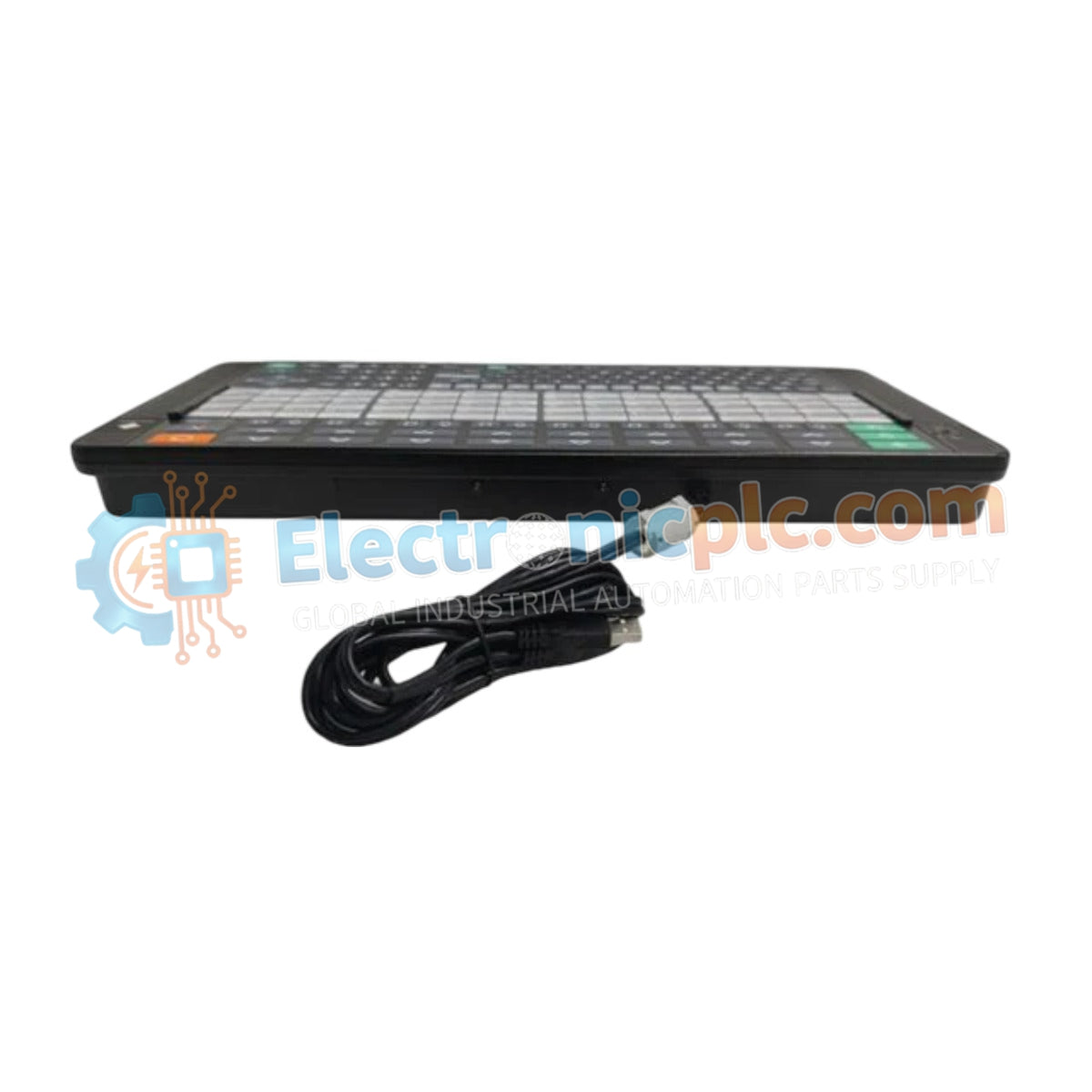
Configured for eight-loop simultaneous operation in CENTUM VP Desktop type human interface stations (HIS), the Yokogawa AIP831-101 (AIP831 Operation Keyboard) provides direct physical execution of instrument faceplate interaction. This device serves as a dedicated input interface, utilizing integrated touch-sensor keys to manage process control variables across high-density operator consoles without requiring manual menu navigation.
| Parameter | Specification |
|---|---|
| Model | AIP831-101 |
| Brand | Yokogawa |
| Origin | Japan |
| Weight | 2.0 kg |
| Dimensions | Desktop standard format |
| Operating Temp | 5 deg C to 40 deg C |
| Power Consumption | 5 W (1 A at 5 VDC) |
| Interface | USB 2.0 (Keyboard) / USB 1.1 (Audio) |
| Chassis Color | Munsell No. N1.5 Black |
| Input Voltage | 5 VDC +/- 5 % |
The AIP831 maintains strict compatibility with the CENTUM VP software environment, specifically requiring the LHS1140 Eight-loop Simultaneous Operation Package for functional activation. The hardware features a dual-interface USB architecture; the keyboard input utilizes a USB 2.0 full-speed bus-powered connection, while the integrated sound function operates via a separate USB 1.1 channel. This physical partitioning ensures that the buzzer alarm signals and audio feedback remain discrete from the process control keystrokes, preventing latency in alarm acknowledgment and operator response cycles within the DCS monitoring station.
Q: Is the AIP831 compatible with standard LHS1120 or LHS1130 operation packages?
A: No. The AIP831 hardware is specifically engineered for the LHS1140 Eight-loop Simultaneous Operation Package and is explicitly incompatible with LHS1120 or LHS1130 software configurations.
Q: Can multiple AIP831 keyboards be connected to a single Desktop type HIS?
A: No. The architecture is strictly limited to one AIP831 unit per Desktop type HIS. Expansion beyond this limit is not supported by the current USB bus-powered specifications.


