Skip to product information
1 of 3

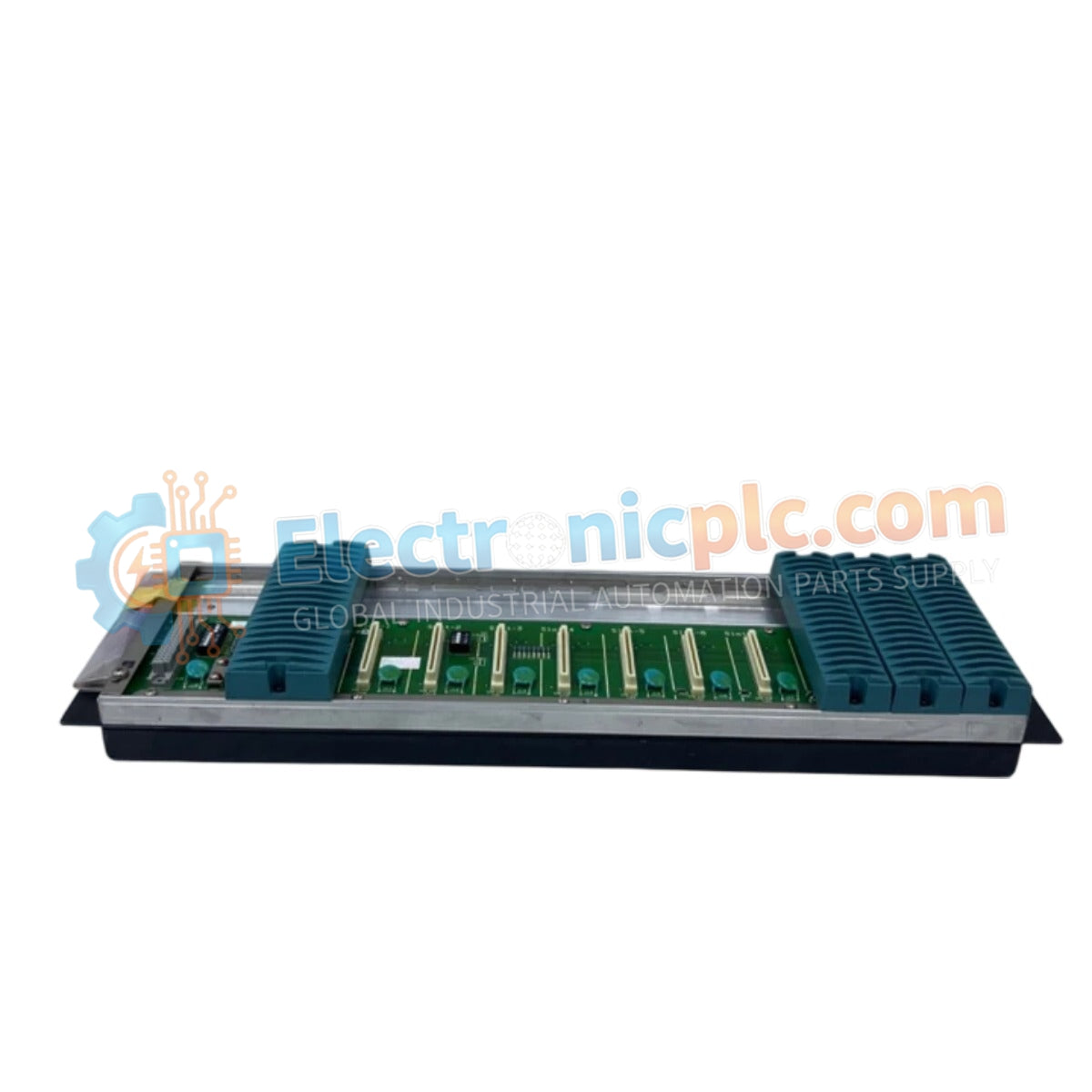
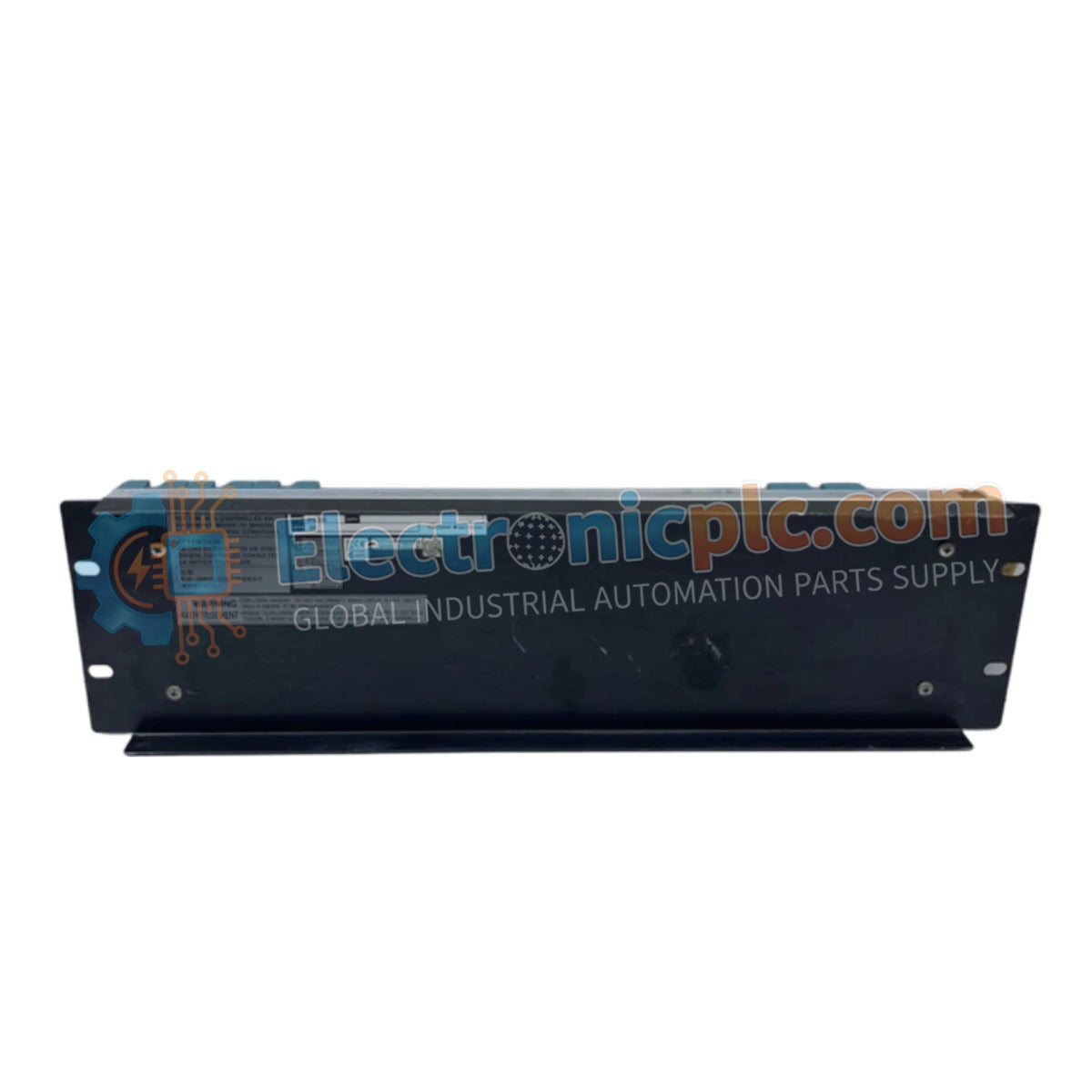
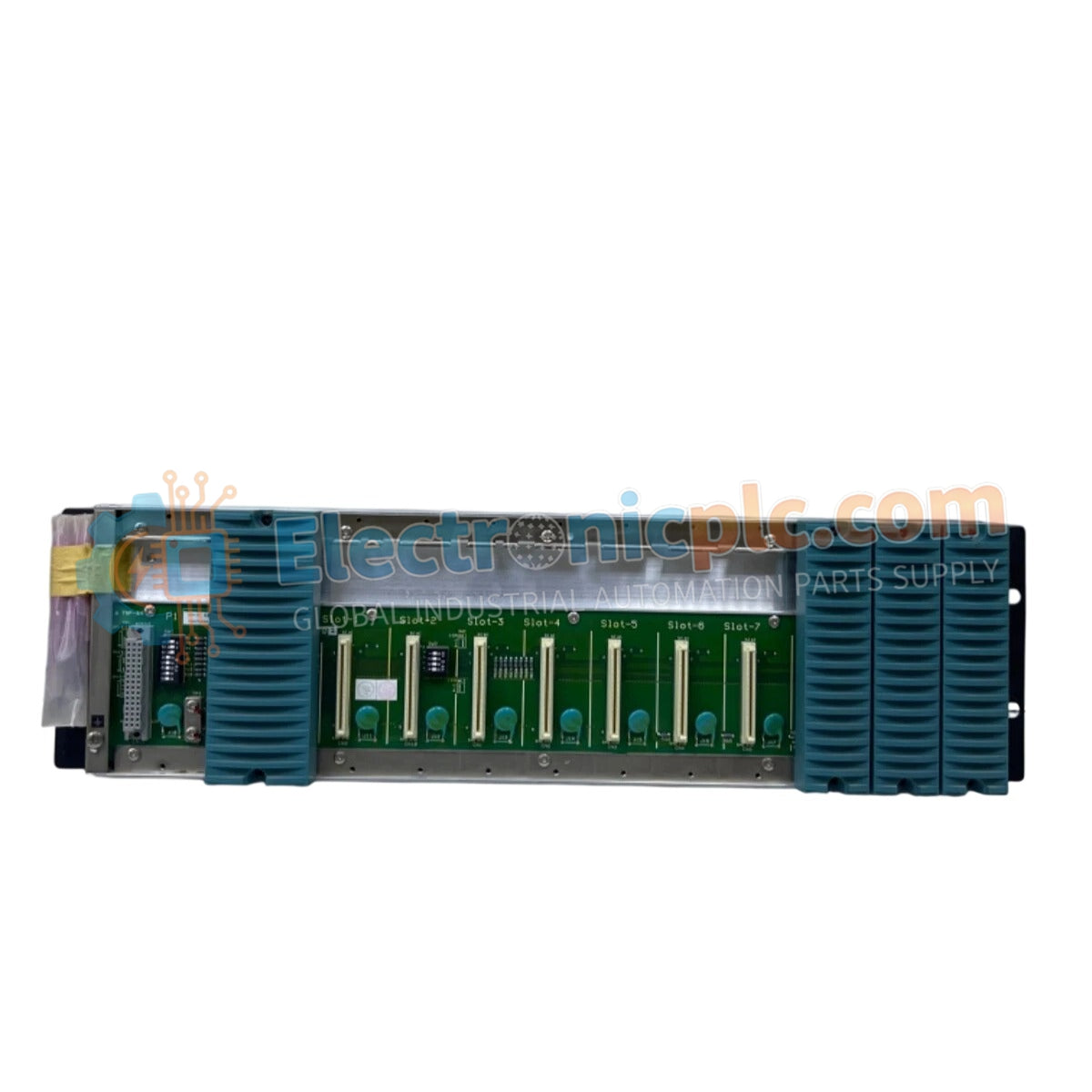
NFBU200-S01 S1 YOKOGAWA Base Module | New & Original Stock

NFBU200-S01 S1 YOKOGAWA Base Module | New & Original Stock

The YOKOGAWA NFBU200-S01 S1, also cataloged as the NFBU200 Base Module, operates as a dedicated hardware component for I/O module mounting and backplane signal distribution within CENTUM VP control station...

15 people are viewing this right now

AvailabilityLow stock: 99 left

SKU: NFBU200-S01
Vendor: Yokogawa
Category: Base Module
Related Series:

Shipping & Returns

Reliable Worldwide Delivery

  • Carriers: Shipped via DHL, FedEx, UPS, or USPS.
  • Dispatch: Orders processed in 1-2 business days and dispatched within 3-5 business days.
  • Tracking: Full tracking details provided via email upon shipment.

30-Day Money-Back Guarantee

  • Guarantee: 30-day return window for in-stock, factory-sealed products.
  • Condition: Items must be unopened, unused, and in original packaging.
  • Authenticity: We guarantee 100% original and authentic hardware.

Need more details? Read our fullShipping PolicyandRefund Policy.
Authenticity & Warranty

  • Genuine Guarantee: We supply only 100% original, brand-new, and factory-sealed industrial automation parts.
  • Full Coverage: Every component is backed by a 12-month comprehensive warranty from the date of purchase.
  • Traceability: All products come with original factory documentation and accessories for full industrial compliance.

Technical Support & Sourcing

  • Expert Assistance: Our technical team provides free consultation to help you verify compatibility for DCS and PLC systems.
  • Rare Part Sourcing: Specializing in obsolete and hard-to-find components from Allen-Bradley, Siemens, ABB, HIMA, and more.
  • Bulk Inquiries: Contact us at pambo@5gplc.com for volume pricing or customized project quotes.
View full product details

The YOKOGAWA NFBU200-S01 S1, also cataloged as the NFBU200 Base Module, operates as a dedicated hardware component for I/O module mounting and backplane signal distribution within CENTUM VP control station architectures.

Suffix Breakdown & Model Matrix

The NFBU200 series utilizes specific suffix codes to define physical length and hardware revision standards:

  • Model NFBU200: Base module (long) for I/O module mounting.
  • Suffix S01: Standard hardware revision for CENTUM VP systems.
  • Suffix S1: Denotes specific design iteration and physical interface compatibility.

Hardware Specifications

Parameter Specification
Model NFBU200-S01 S1
Brand YOKOGAWA
Origin Japan
Weight 3.2 kg
Dimensions 3.2 x 12.7 x 12.7 cm
Operating Temp Standard industrial range
Power Consumption Passive (Backplane distribution)
Mounting Type Rack-mount base
Function I/O module carrier and signal bus

Process Control Connectivity and Backplane Integrity

The NFBU200-S01 S1 module provides the structural and electrical foundation for CENTUM VP I/O cards. The unit facilitates the distribution of the system bus and power supply to mounted I/O modules, ensuring consistent electrical contact across the backplane. The mechanical design is optimized for high-density I/O configurations, incorporating precision-aligned slots that maintain consistent spacing and impedance for signal paths. By acting as the interface between the system backplane and individual I/O modules, the base module ensures that data packets and power delivery remain stable under continuous industrial operation.

Frequently Asked Questions

Q: Does the NFBU200-S01 S1 require specialized tools for installation?

A: No. The base module is designed for standard rack-mount installation using integrated fasteners; however, proper alignment is required to ensure the backplane connectors fully seat without damaging the pins.

Q: Is this base module compatible with non-safety related I/O cards?

A: Yes. The NFBU200 is designed for standard CENTUM VP I/O module mounting, providing the necessary signal and power pathways required for these cards.

Field Installation Guidelines

  1. Ensure the control cabinet is de-energized and follows site-specific safety protocols before attempting to mount or replace the base module.
  2. Secure the NFBU200 to the rack frame using the provided hardware, ensuring the module is level and firmly attached to resist mechanical vibration.
  3. Inspect the backplane connectors on the rear of the module for debris or bent pins prior to installation in the rack.
  4. Verify that the bus cabling connected to the rear of the module is properly seated and locked to prevent intermittent signal loss.
  5. After installation, confirm that the module is correctly recognized by the control station configuration by verifying status indicators on the mounted I/O cards.