
My Cart
0 items
Genuine Automation Parts | Worldwide Express Delivery | 12-Month Warranty — [GET A QUOTE]

The Yokogawa PM4CKM-V11, also cataloged as the PM4CKM Software Media Package, operates as a dedicated technical resource for managing documentation and system configurations within Plant Resource Manager (PRM) platforms. Configured...
Availability: Low stock: 99 left
Reliable Worldwide Delivery
30-Day Money-Back Guarantee
Need more details? Read our fullShipping PolicyandRefund Policy.
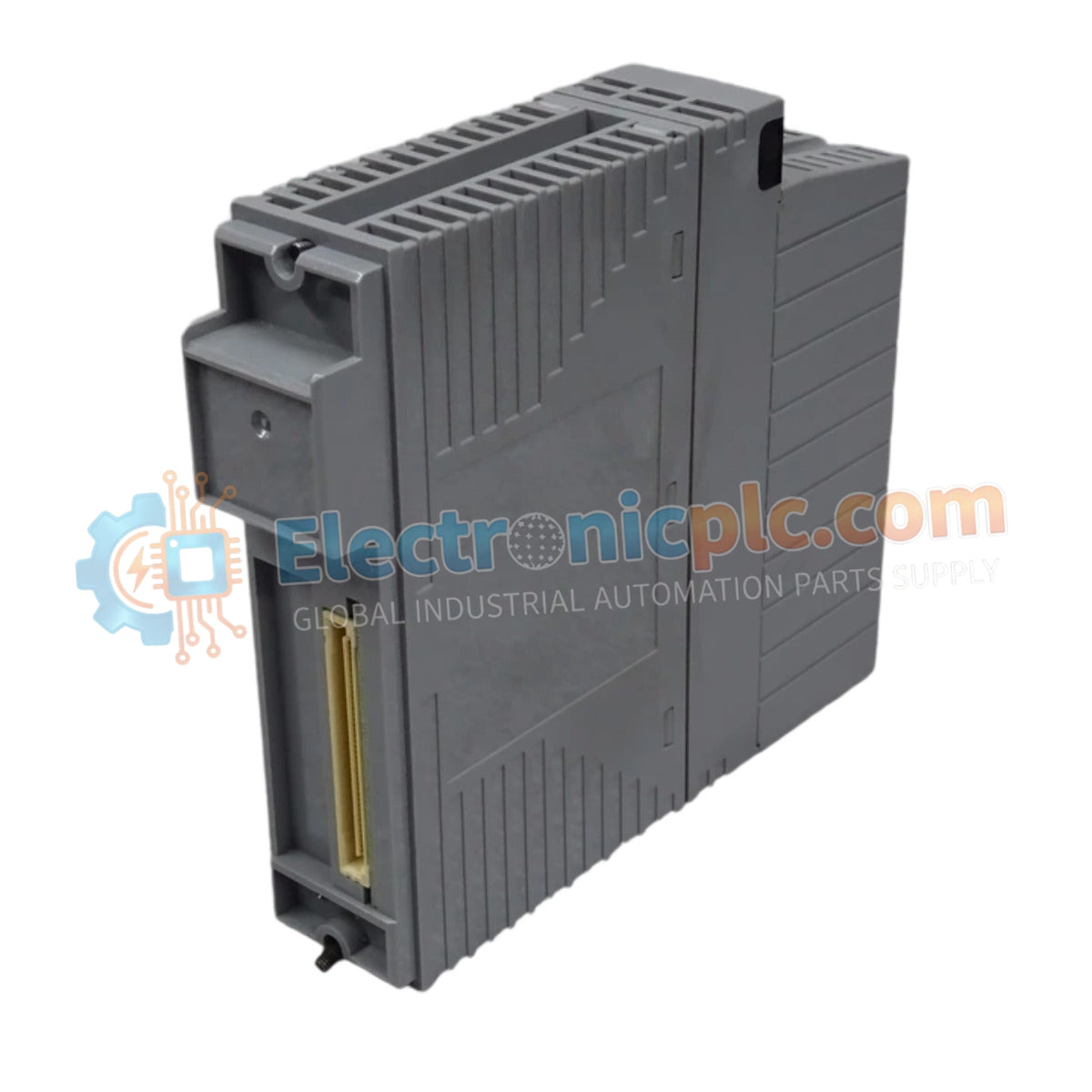

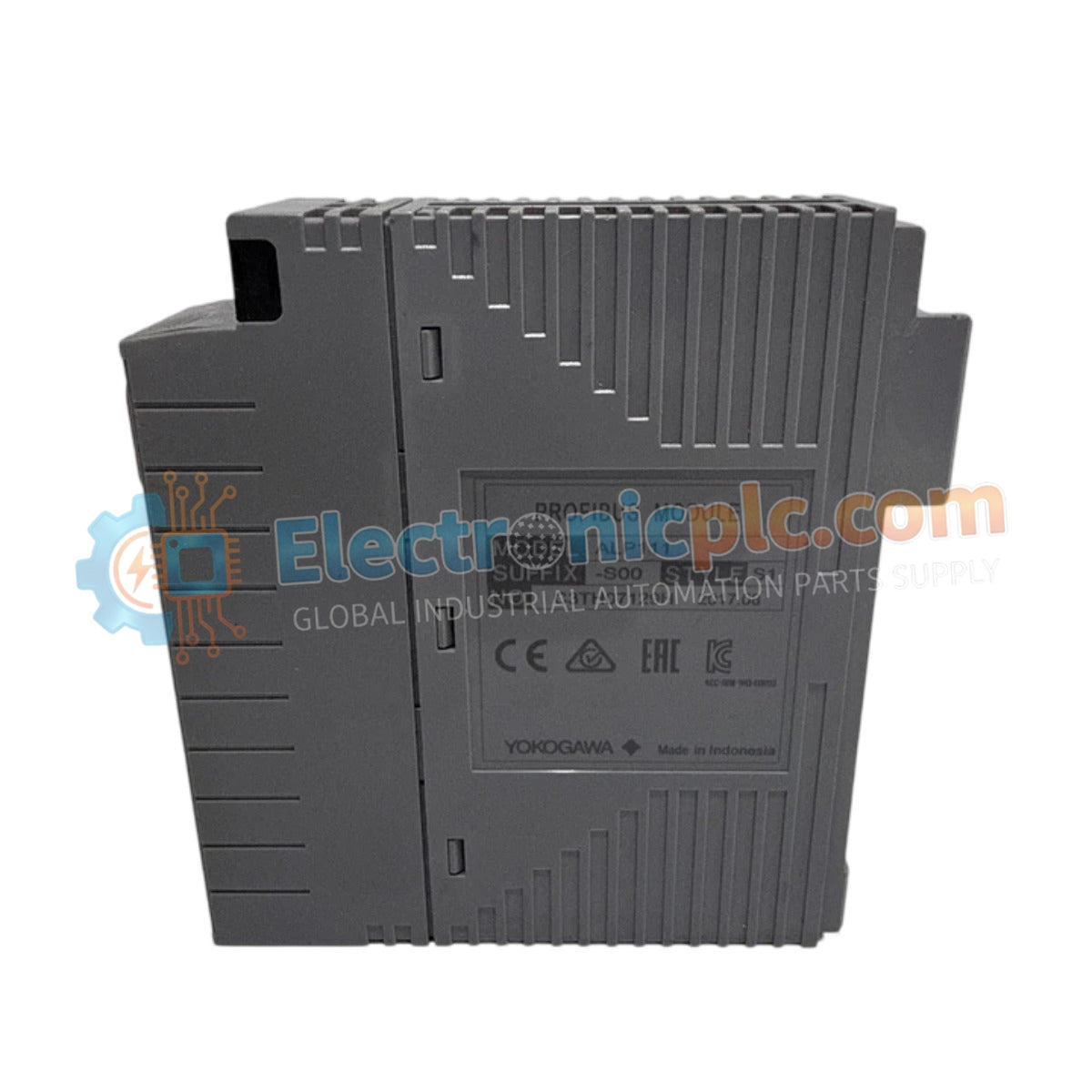
The Yokogawa PM4CKM-V11, also cataloged as the PM4CKM Software Media Package, operates as a dedicated technical resource for managing documentation and system configurations within Plant Resource Manager (PRM) platforms. Configured for diagnostic and administrative execution in industrial control networks, the Yokogawa PM4CKM-V11 (PM4CKM Software Media Package) provides direct access to system instructional frameworks and backup protocols.
| Parameter | Specification |
|---|---|
| Model | PM4CKM-V11 |
| Brand | Yokogawa |
| Origin | Japan |
| Weight | 0.5 kg |
| Dimensions | 440 mm x 284 mm x 52 mm |
| Operating Temp | Standard Industrial Room Temperature |
| Power Consumption | Not Applicable (Passive Media) |
| Media Type | DVD-ROM |
| RAM Requirement | 4 GB |
| Disk Space | 10 GB |
The PM4CKM-V11 serves as the primary repository for PRM instruction manuals and system recovery data. The package is engineered to support seamless data restoration of the PRM system, providing a fail-safe mechanism for system integrity in the event of software corruption or migration. Integration with third-party systems and Yokogawa’s proprietary cavitation detection hardware is managed through the included software utilities, ensuring that the PRM environment maintains deterministic communication paths during diagnostic routines. The architecture requires the PM4S7400 electronic instruction manual module to facilitate rendering and physical printing of technical documentation.
Q: Can the PM4CKM-V11 media be used to restore the PRM system on operating systems prior to Windows 7?
A: No. The software environment is validated for Windows 7 or later architectures. Deployment on legacy operating systems may result in binary incompatibility and failure of the backup/restore utility.
Q: Is the PM4CKM-V11 sufficient for viewing manuals without additional components?
A: No. The media package requires the Electronic Instruction Manual module (PM4S7400) installed on the host workstation to correctly process and display the PDF documentation contained within the DVD-ROM.


