
My Cart
0 items
Genuine Automation Parts | Worldwide Express Delivery | 12-Month Warranty — [GET A QUOTE]

The ProSoft MVI69E-MBS is an Enhanced Modbus Serial Communication Module designed specifically for integration with Rockwell Automation CompactLogix programmable automation controllers. This module enables seamless data exchange between the CompactLogix...
Availability: Low stock: 6 left
Reliable Worldwide Delivery
30-Day Money-Back Guarantee
Need more details? Read our fullShipping PolicyandRefund Policy.


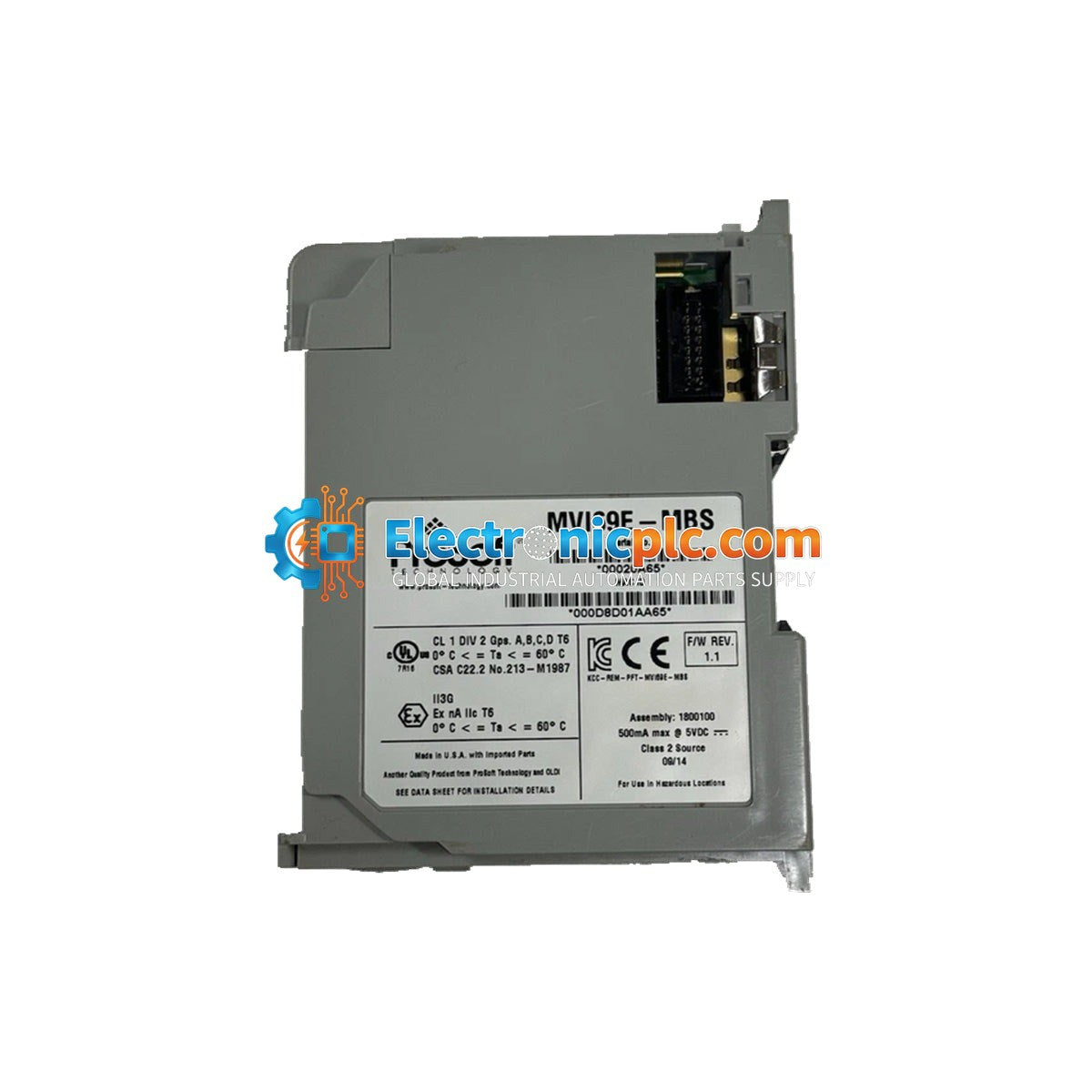
The ProSoft MVI69E-MBS is an Enhanced Modbus Serial Communication Module designed specifically for integration with Rockwell Automation CompactLogix programmable automation controllers. This module enables seamless data exchange between the CompactLogix backplane and Modbus serial devices, supporting both Modbus RTU and ASCII protocols. It serves as a high-performance interface for connecting field devices such as drives, sensors, and power monitors to the control system.
This module is widely used in industrial automation environments requiring serial communication integration, including:
| Parameter | Specification |
|---|---|
| Product Model | MVI69E-MBS |
| Platform Compatibility | CompactLogix |
| Current Load | 500 mA at 5 VDC |
| Baud Rate | 110 to 115 kBaud |
| Commands per Master Port | 250 |
| I/O Size | 60/120/240 16-bit integers |
| Stop Bits | 1 or 2 |
The module is configured using the ProSoft Configuration Builder software, which provides a user-friendly interface for setting up communication parameters and mapping data.
Yes, the MVI69E-MBS is designed to support both Modbus Master and Slave functionality, allowing it to act as a bridge between different serial devices and the CompactLogix controller.


