
My Cart
0 items
Genuine Automation Parts | Worldwide Express Delivery | 12-Month Warranty — [GET A QUOTE]

The Yokogawa VF701 S2 (VF701 S2 Vnet/IP Interface Card) serves as a critical communication gateway within Yokogawa CENTUM VP distributed control systems. This module is specifically engineered to provide a...
Availability: Low stock: 99 left
Reliable Worldwide Delivery
30-Day Money-Back Guarantee
Need more details? Read our fullShipping PolicyandRefund Policy.


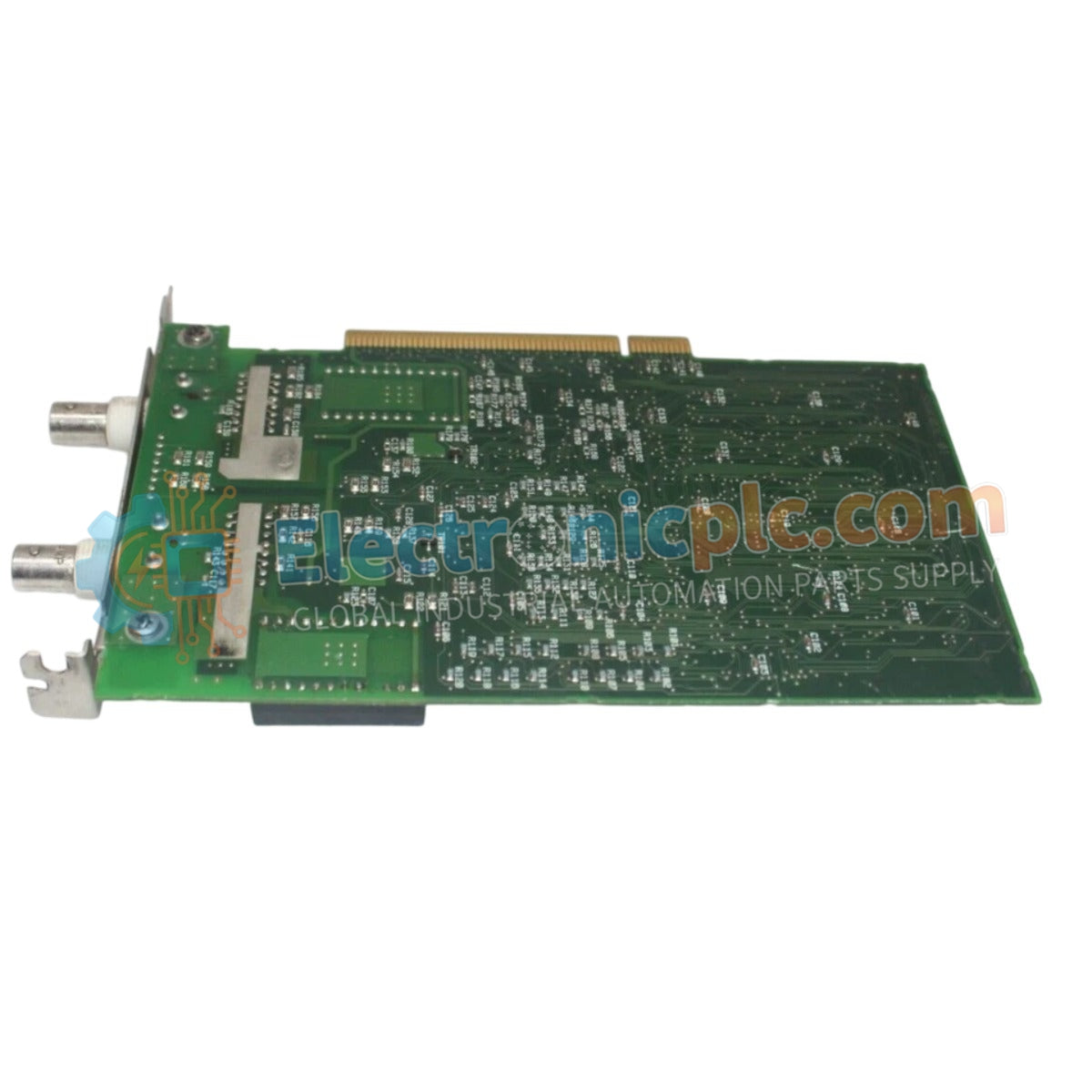
The Yokogawa VF701 S2 (VF701 S2 Vnet/IP Interface Card) serves as a critical communication gateway within Yokogawa CENTUM VP distributed control systems. This module is specifically engineered to provide a robust, high-speed interface between the system's internal Vnet/IP control network and external field devices or auxiliary control stations.
The VF701 S2 designation represents an evolved hardware iteration. The "S2" suffix denotes an upgraded internal processor and optimized buffer management logic, designed to handle higher data packet density and provide improved compatibility with the latest Vnet/IP firmware releases compared to the original VF701 series.
| Parameter | Specification |
|---|---|
| Model | VF701 S2 |
| Brand | Yokogawa |
| Origin | Japan |
| Weight | 0.67 kg |
| Dimensions | 2.2 cm x 12.4 cm x 12.6 cm |
| Operating Temp | 0 to 60 deg C |
| Power Consumption | 5 W (nominal) |
| Interface Type | Vnet/IP Ethernet |
The VF701 S2 integrates into the DCS architecture to facilitate deterministic communication, which is essential for maintaining tight loop control across the plant floor. It employs advanced galvanic isolation to protect the control network from high-frequency electromagnetic interference (EMI) often present in industrial environments. By ensuring a stable, high-bandwidth handshake between the Field Control Unit (FCU) and the Vnet/IP backbone, the card minimizes communication jitter, ensuring that mission-critical data packets are delivered within their required timing windows.
Q: Is the VF701 S2 fully compatible with existing Vnet/IP networks that use legacy VF701 cards?
A: In most CENTUM VP system designs, the S2 version is functionally interchangeable; however, ensure the system’s Network Management Software (NMS) and controller firmware are up to date to accommodate the updated hardware revision.
Q: Does this interface card support redundant network configurations?
A: Yes, the VF701 S2 is natively designed to operate within dual-redundant Vnet/IP network architectures to provide high-availability communication paths.


