
My Cart
0 items
Genuine Automation Parts | Worldwide Express Delivery | 12-Month Warranty — [GET A QUOTE]

Configured for network communication synchronization in Vnet/IP control systems, the YOKOGAWA VI702 S1 (VI702 Vnet/IP Interface Card) provides direct physical and electrical execution of high-speed data transmission between control stations...
Availability: Low stock: 99 left
Reliable Worldwide Delivery
30-Day Money-Back Guarantee
Need more details? Read our fullShipping PolicyandRefund Policy.


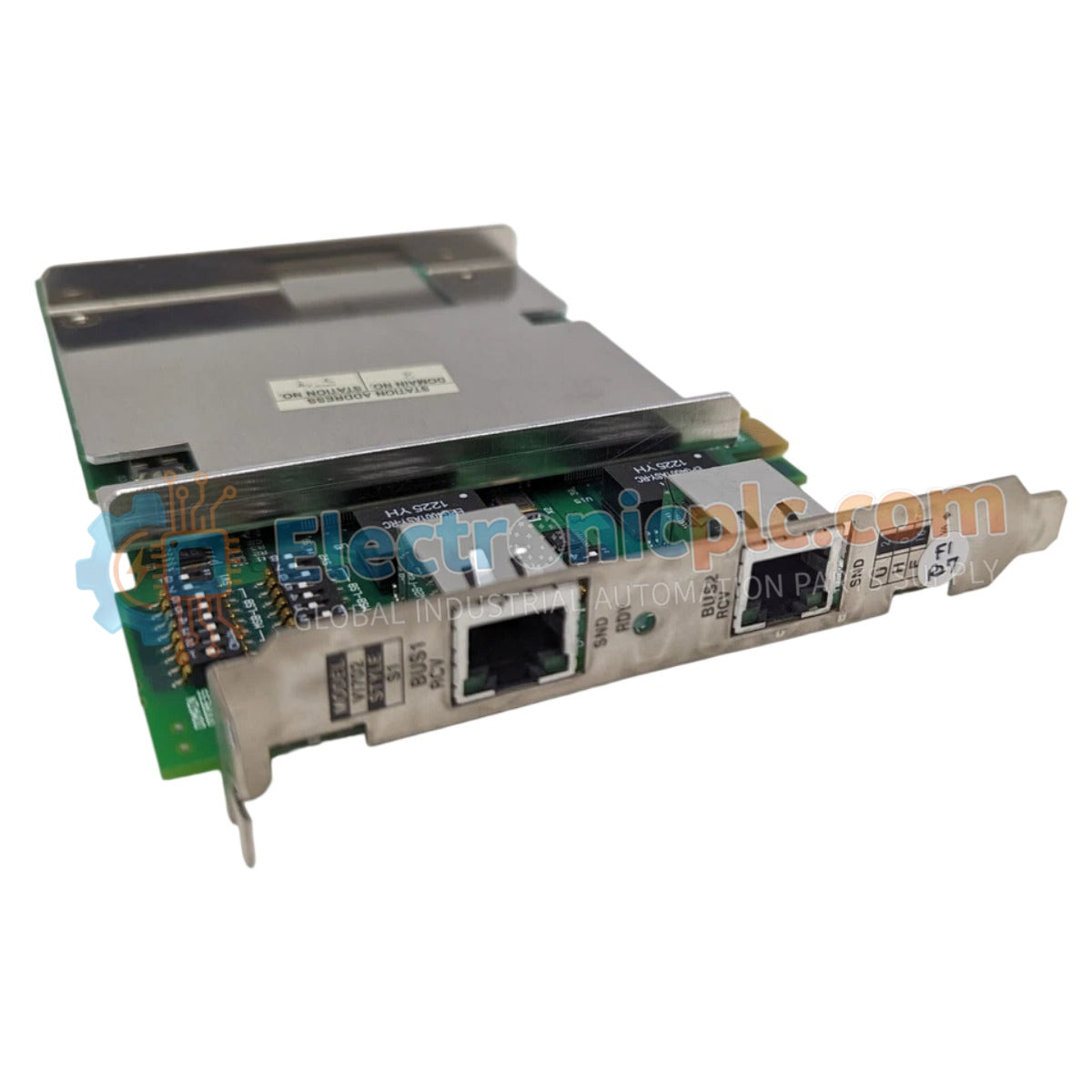
Configured for network communication synchronization in Vnet/IP control systems, the YOKOGAWA VI702 S1 (VI702 Vnet/IP Interface Card) provides direct physical and electrical execution of high-speed data transmission between control stations and external network segments.
| Parameter | Specification |
|---|---|
| Model | VI702 S1 |
| Brand | YOKOGAWA |
| Origin | Japan |
| Weight | 0.16 kg |
| Dimensions | 7.2 x 6.3 x 9.2 cm |
| Operating Temp | Standard industrial range |
| Power Consumption | Subject to backplane supply |
| Bus Interface | Vnet/IP |
| Mounting Type | Card slot installation |
The VI702 S1 module functions as a dedicated interface to manage deterministic data exchange across the Vnet/IP network architecture. The module design incorporates channel-to-channel isolation to prevent electrical noise from propagating through the backplane. By facilitating high-speed data packets, the interface ensures that latency-sensitive process control commands are transmitted without collision. The circuitry is calibrated to maintain signal integrity over the 1 Gbps Ethernet physical layer, supporting dual-redundant network paths to eliminate single points of failure within the communication loop.
Q: Does the VI702 S1 module support hot-swap insertion during system operation?
A: No. The system must be fully de-energized before the module is inserted or removed to prevent potential damage to the Vnet/IP backplane interface pins and communication circuitry.
Q: Is firmware configuration required upon installation of a new VI702 S1?
A: Yes. The module must be synchronized with the current station firmware version to ensure compatibility with the existing control station environment and network traffic management protocols.


