My Cart
0 items
Genuine Automation Parts | Worldwide Express Delivery | 12-Month Warranty — [GET A QUOTE]

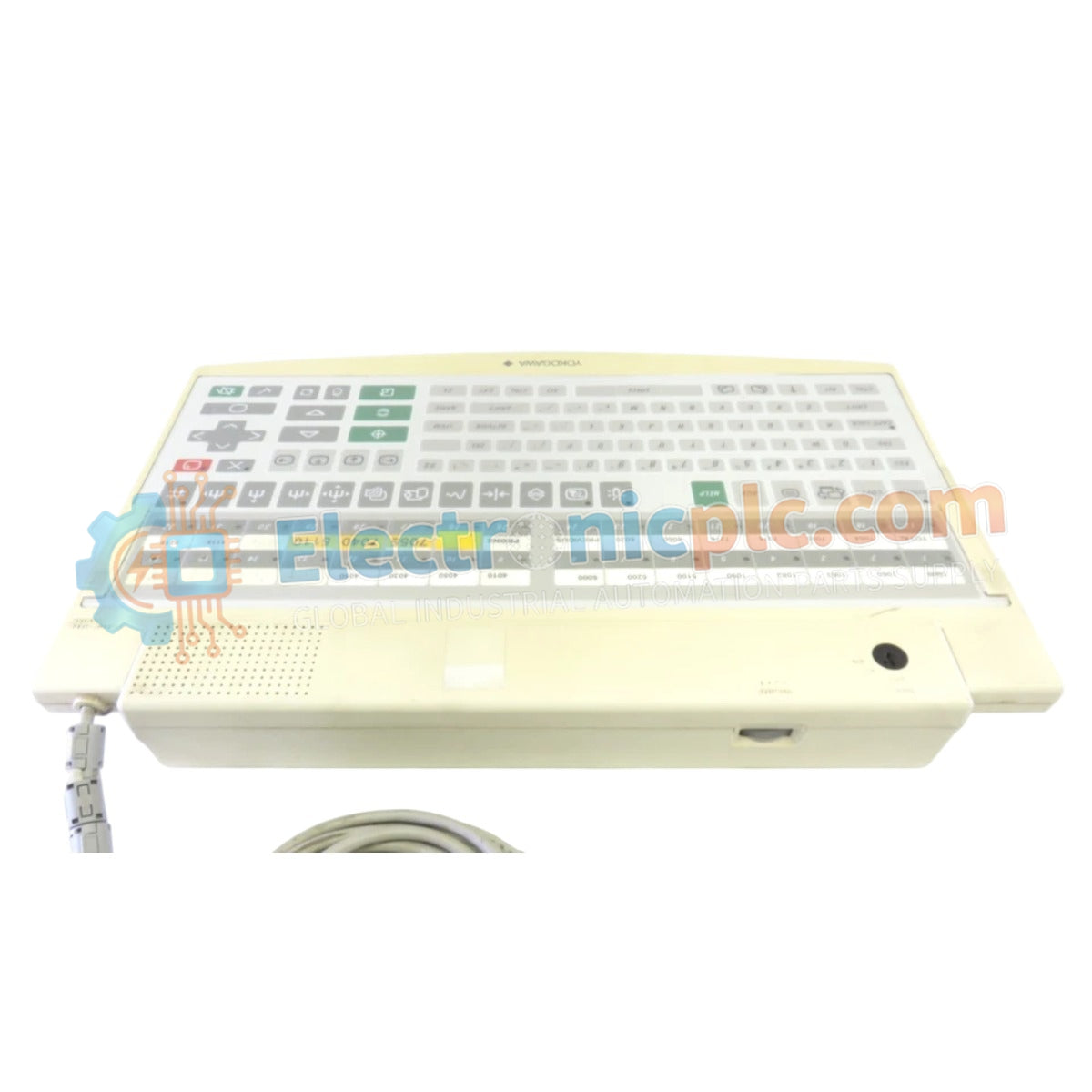
Configured for process control interface in DCS environments, the Yokogawa AIP826-2 (AIP826-2 Operation Keyboard) provides direct USB-based input and audio execution for operator station platforms.
| Parameter | Specification |
|---|---|
| Model | AIP826-2 |
| Brand | Yokogawa |
| Origin | Japan |
| Weight | 2.0 kg |
| Dimensions | Standard VESA-compatible chassis |
| Operating Temp | 5 to 40 deg C |
| Power Consumption | 1 A (5 V DC) |
| Interface | USB 2.0 (Dual Type A) |
The AIP826-2 facilitates operator interaction within Yokogawa DCS architectures. The unit utilizes an independent USB speaker interface to deliver system alarms and feedback signals, ensuring auditory synchronization with the process control station. The USB 2.0 interface provides full-speed data transmission, maintaining low-latency input response for loop operation. Integration requires standard bus-powered USB configurations, with channel-to-channel isolation implicitly managed through the digital data bus protocol to ensure the keyboard input signals do not interfere with the DCS network traffic.
Q: Is this keyboard compatible with the AIP830-001/EIM replacement?
A: The AIP826-2 is the legacy predecessor. While the AIP830-001/EIM is the functional replacement, direct hardware substitution should be validated against the specific operator station firmware and USB port power delivery capabilities to ensure full operational compatibility.
Q: Can the unit be mounted using VESA standards?
A: Yes. The unit supports an optional VESA bracket mounting system, allowing for flexible ergonomic placement on console arms or panel surfaces.