
My Cart
0 items
Genuine Automation Parts | Worldwide Express Delivery | 12-Month Warranty — [GET A QUOTE]

Configured for human-machine interface (HMI) interaction in process control environments, the Yokogawa AIP830-001/EIM (AIP830-001 Operation Keyboard) provides direct physical input execution for system monitoring and operator command sequences.
Availability: In stock
Reliable Worldwide Delivery
30-Day Money-Back Guarantee
Need more details? Read our fullShipping PolicyandRefund Policy.

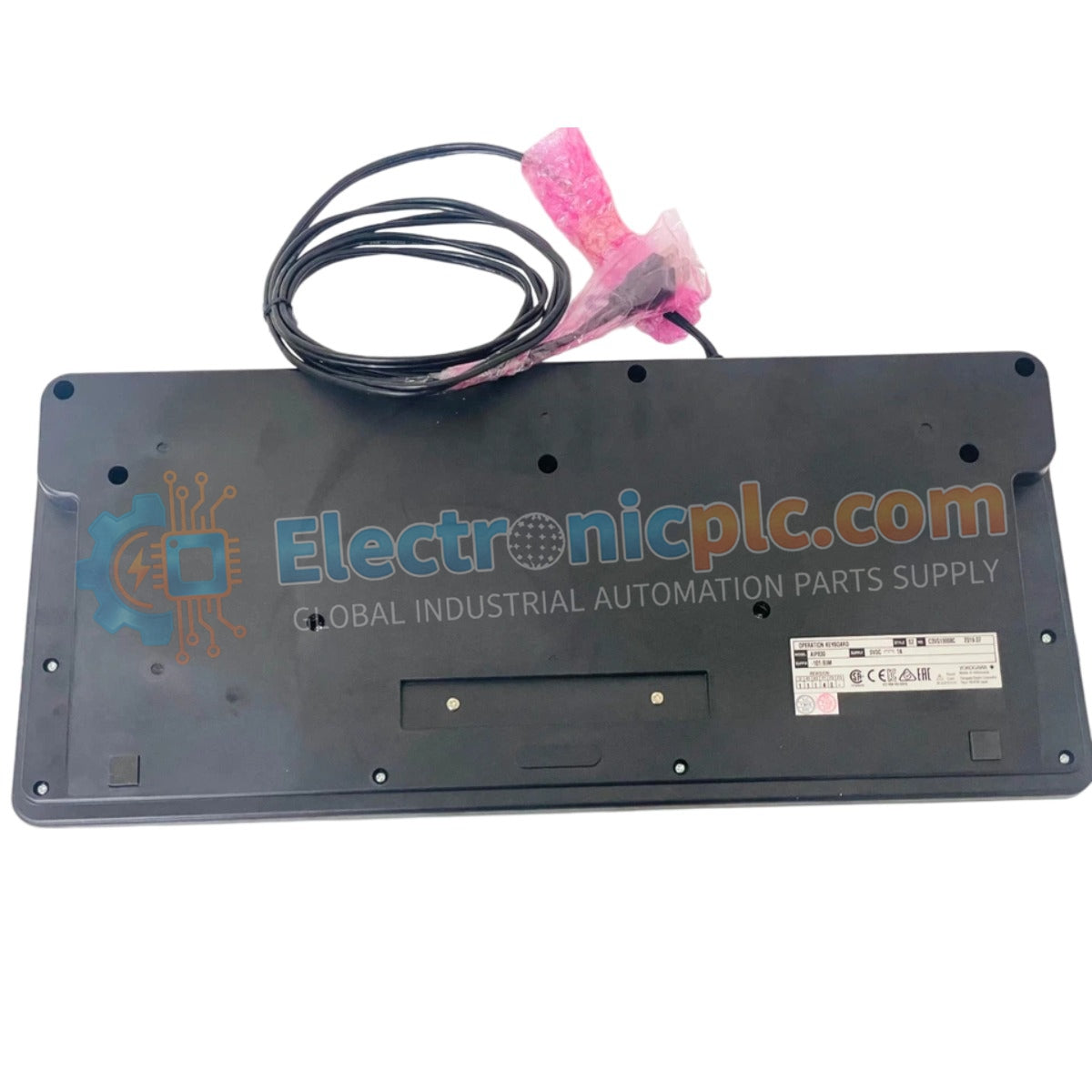
Configured for human-machine interface (HMI) interaction in process control environments, the Yokogawa AIP830-001/EIM (AIP830-001 Operation Keyboard) provides direct physical input execution for system monitoring and operator command sequences.
| Suffix Code | Specification Description |
|---|---|
| AIP830-001 | Base operation keyboard model |
| /EIM | Enhanced interface and module integration variant |
| Parameter | Specification |
|---|---|
| Model | AIP830-001/EIM |
| Brand | Yokogawa |
| Origin | Japan |
| Weight | 2.0 kg |
| Dimensions | Standard HMI console footprint |
| Operating Temp | 5 deg C to 40 deg C |
| Input Voltage | 5 V (+/- 5%) via USB |
| Max Current | 1 A |
| Interface | USB 2.0 (Bus-powered) |
The AIP830-001/EIM serves as a dedicated tactile interface for DCS and SCADA console operators. The unit utilizes a USB 2.0 full-speed interface, drawing power directly from the host computer’s bus to minimize external cabling requirements. In addition to standard command inputs, the keyboard integrates a USB 1.1 compliant sound function, enabling local audio feedback for process alarms and system events. The chassis is finished in a Munsell No. N1.5 equivalent black coating, designed to reduce glare and optimize ergonomics within high-intensity control room environments.
Q: Can the keyboard be connected to a USB hub?
A: The AIP830-001/EIM requires a stable 1 A power draw. It is recommended to connect the unit directly to the workstation's dedicated USB port to ensure sufficient power delivery and minimize potential bus-powered latency or connection drops.
Q: Are specific drivers required for the sound function?
A: The device utilizes standard USB HID and audio class drivers. Most modern industrial operating systems will recognize the interface automatically; however, ensure the HMI software is configured to route system alerts to the keyboard's audio output if local notification is required.

