
My Cart
0 items
Genuine Automation Parts | Worldwide Express Delivery | 12-Month Warranty — [GET A QUOTE]

Configured for process control interface in DCS environments, the Yokogawa AIP830 Style S2 (AIP830 Style S2 Operation Keyboard) provides direct input execution for operator station platforms, serving as the modernized...
Availability: In stock
Reliable Worldwide Delivery
30-Day Money-Back Guarantee
Need more details? Read our fullShipping PolicyandRefund Policy.


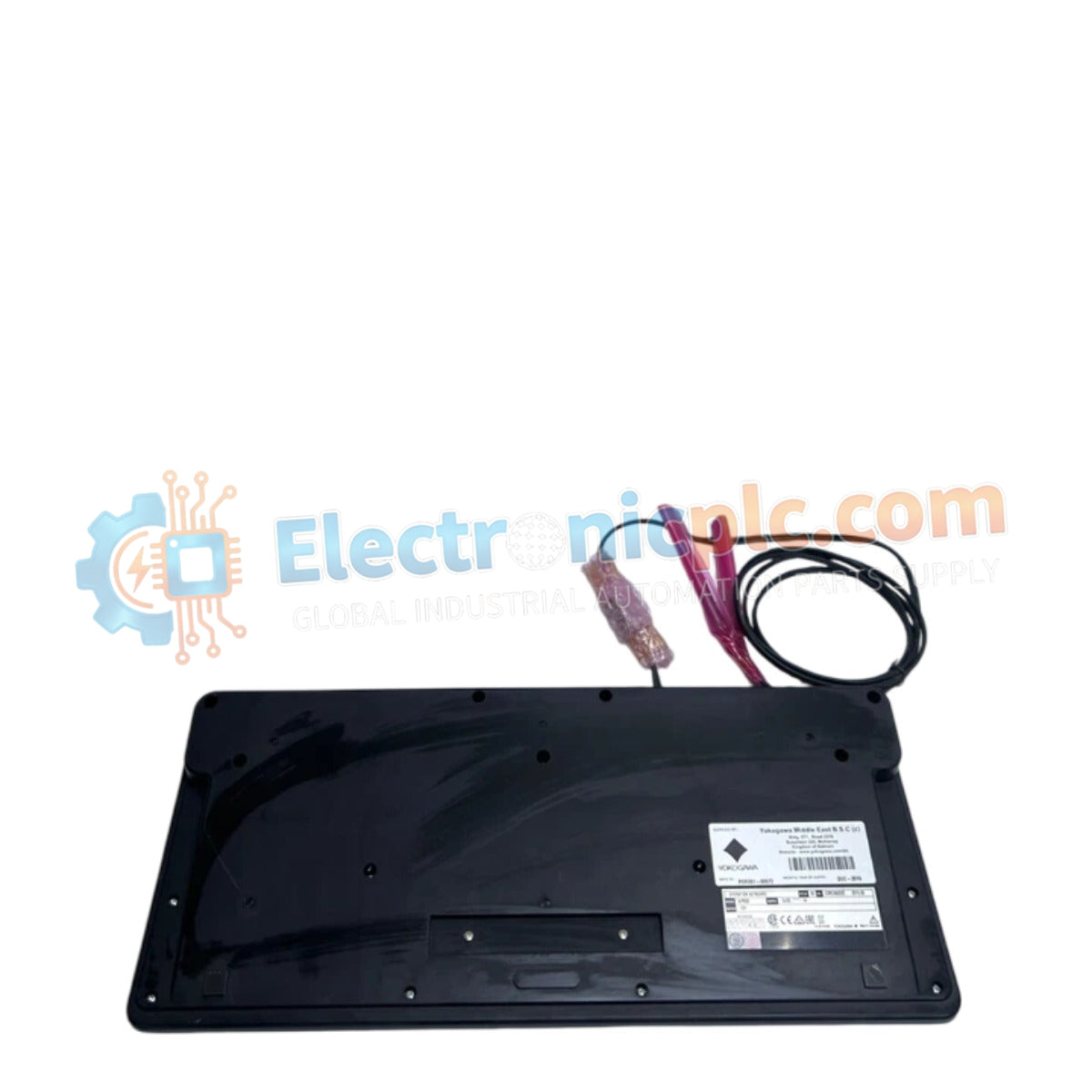
Configured for process control interface in DCS environments, the Yokogawa AIP830 Style S2 (AIP830 Style S2 Operation Keyboard) provides direct input execution for operator station platforms, serving as the modernized interface component for CENTUM series control systems.
| Parameter | Specification |
|---|---|
| Model | AIP830 Style S2 |
| Brand | Yokogawa |
| Origin | Japan |
| Weight | 2.2 kg |
| Dimensions | 18.5 cm (W) x 18.5 cm (D) x 10.5 cm (H) |
| Operating Temp | Standard industrial control room environment |
| Power Consumption | Dependent on interface bus connection |
| Interface | Proprietary DCS operator station connection |
The AIP830 Style S2 facilitates operator interaction within Yokogawa DCS architectures. The unit is designed to provide seamless integration with existing operator consoles, enabling rapid loop operation, alarm management, and setpoint adjustment. Its architectural design focuses on ergonomic input handling, ensuring that operator commands are registered with high precision during critical process shifts. The device utilizes specialized signal protocols to communicate with the operator station, ensuring that keyboard inputs are prioritized and processed with minimal latency within the DCS communication network.
Q: Is the AIP830 Style S2 backward compatible with legacy operator stations?
A: Compatibility depends on the specific Style version and the firmware of the connected operator station. Verification against the system hardware manual is required to ensure that the interface protocol matches the legacy system's input requirements.
Q: How does the Style S2 differ from previous models?
A: The AIP830 Style S2 represents an iteration in the series, featuring updated mechanical components and interface optimizations designed to improve input durability and integration stability with newer CENTUM software revisions.


