
My Cart
0 items
Genuine Automation Parts | Worldwide Express Delivery | 12-Month Warranty — [GET A QUOTE]

The YOKOGAWA AIP831-101, also cataloged as the AIP831-101 Operation Keyboard, operates as a dedicated hardware component for simultaneous multi-loop process control within CENTUM VP Human Interface System platforms.
Availability: Low stock: 99 left
Reliable Worldwide Delivery
30-Day Money-Back Guarantee
Need more details? Read our fullShipping PolicyandRefund Policy.


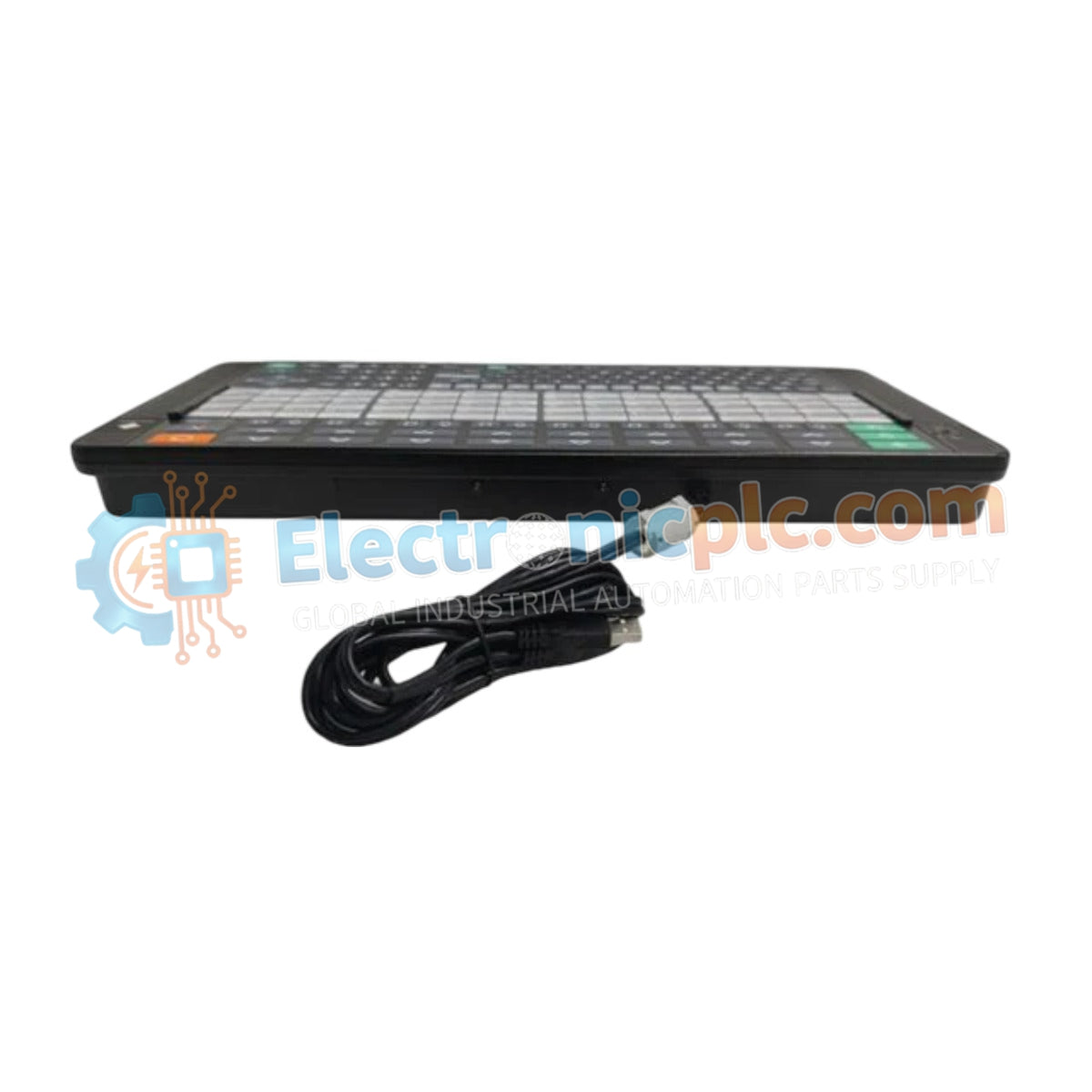
The YOKOGAWA AIP831-101, also cataloged as the AIP831-101 Operation Keyboard, operates as a dedicated hardware component for simultaneous multi-loop process control within CENTUM VP Human Interface System platforms.
| Parameter | Specification |
|---|---|
| Model | AIP831-101 |
| Brand | YOKOGAWA |
| Origin | Japan |
| Weight | 2.0 kg |
| Dimensions | Standard desktop form factor |
| Operating Temp | 5 deg C to 40 deg C |
| Power Consumption | 1 A (Max) |
| Operating Voltage | 5 VDC +/- 5% (via USB) |
| Interface | 2 x USB A type (USB 2.0/1.1) |
| Chassis Color | Black (Munsell No. N1.5) |
The AIP831-101 integrates directly with the CENTUM VP environment to facilitate streamlined process control via specialized touch sensor arrays. The device maintains signal integrity by utilizing a dedicated USB 2.0 interface for operational commands and a secondary USB 1.1 channel for auditory alarm feedback. To ensure robust performance within the DCS environment, the keyboard supports instrument faceplate highlighting functions, requiring consistent 5 VDC power delivery via the host USB port to maintain sub-millisecond response latency during operator-to-system interaction.
Q: Does the touch sensor interface support operation while the user is wearing protective industrial gloves?
A: No, the touch sensor technology utilized in the AIP831-101 is calibrated exclusively for tactile detection by bare hands.
Q: Is the USB speaker assembly capable of being driven by external audio sources outside of the CENTUM VP alarm system?
A: The sound function is hardware-restricted to alarm buzzer notifications generated by the connected Human Interface System to prevent audio signal interference with process alerts.
Q: Can the keyboard be powered by an external power supply instead of the host USB port?
A: No, the device is designed to draw power exclusively from the host USB port; exceeding the specified 5 VDC +/- 5% range may result in internal controller failure.


