
My Cart
0 items
Genuine Automation Parts | Worldwide Express Delivery | 12-Month Warranty — [GET A QUOTE]

Configured for discrete signal validation in DCS architectures, the Yokogawa SCB100-S0 (SCB100 Wiring Check Adapter) provides direct physical/electrical execution of diagnostic loop testing for digital input channels.
Availability: In stock
Reliable Worldwide Delivery
30-Day Money-Back Guarantee
Need more details? Read our fullShipping PolicyandRefund Policy.
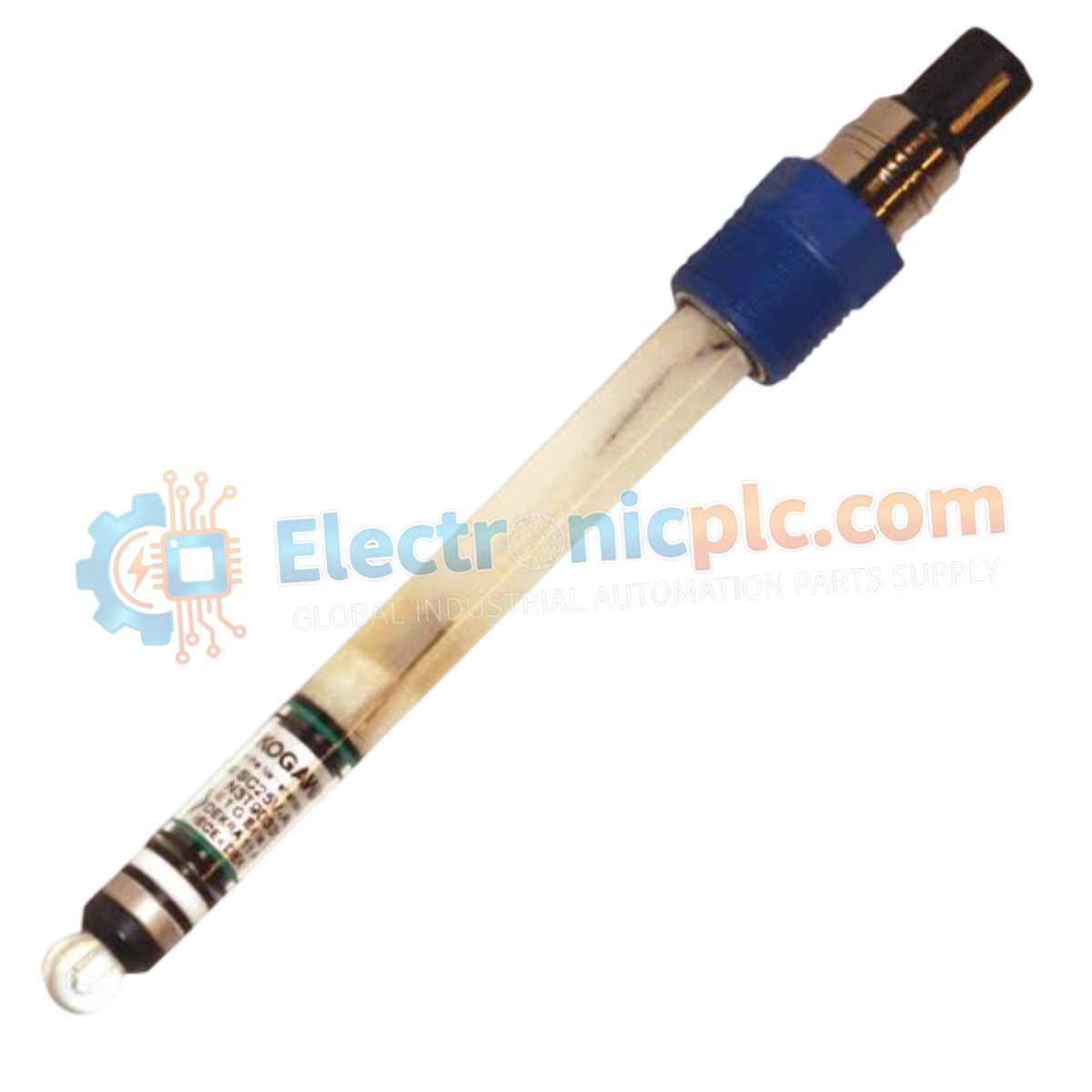

Configured for discrete signal validation in DCS architectures, the Yokogawa SCB100-S0 (SCB100 Wiring Check Adapter) provides direct physical/electrical execution of diagnostic loop testing for digital input channels.
| Parameter | Specification |
|---|---|
| Model | SCB100-S0 |
| Brand | Yokogawa |
| Origin | Japan |
| Weight | 0.4 kg |
| Dimensions | Standard system terminal board mount |
| Operating Temp | -10 deg C to 60 deg C |
| Power Consumption | Passive device |
| Function | Digital input signal loop verification |
The SCB100-S0 serves as a dedicated hardware component for facilitating pre-commissioning loop checks across CENTUM system platforms. By enabling forced contact closure or open-circuit simulation, the adapter verifies that field wiring is correctly terminated at the I/O module rack without requiring actual field-side device activation. Users must ensure that the adapter is removed or switched to the operational state before final system startup to prevent incorrect digital inputs from being interpreted by the DCS controller logic. The adapter maintains channel-to-channel isolation consistency when used in conjunction with standard digital input modules, preventing potential cross-talk during the diagnostic testing phase.
Q: Does the SCB100-S0 require external power to perform wiring checks?
A: No. The adapter is a passive device that functions by bridging or interrupting the signal loop of the associated digital input module.
Q: Can the adapter be left connected during normal process operation?
A: No. The SCB100-S0 is intended solely for commissioning and diagnostic maintenance. Leaving the adapter connected can force false logical states (HIGH or LOW) into the DCS controller, which may trigger unintended process interlocks or system alarms.


