
My Cart
0 items
Genuine Automation Parts | Worldwide Express Delivery | 12-Month Warranty — [GET A QUOTE]

The YOKOGAWA YPQ101E (YT204001-FS PC BOARD), operates as a dedicated hardware component for localized signal processing and system control within Yokogawa instrumentation and controller platforms. This printed circuit board assembly provides the necessary...
Availability: In stock
Reliable Worldwide Delivery
30-Day Money-Back Guarantee
Need more details? Read our fullShipping PolicyandRefund Policy.


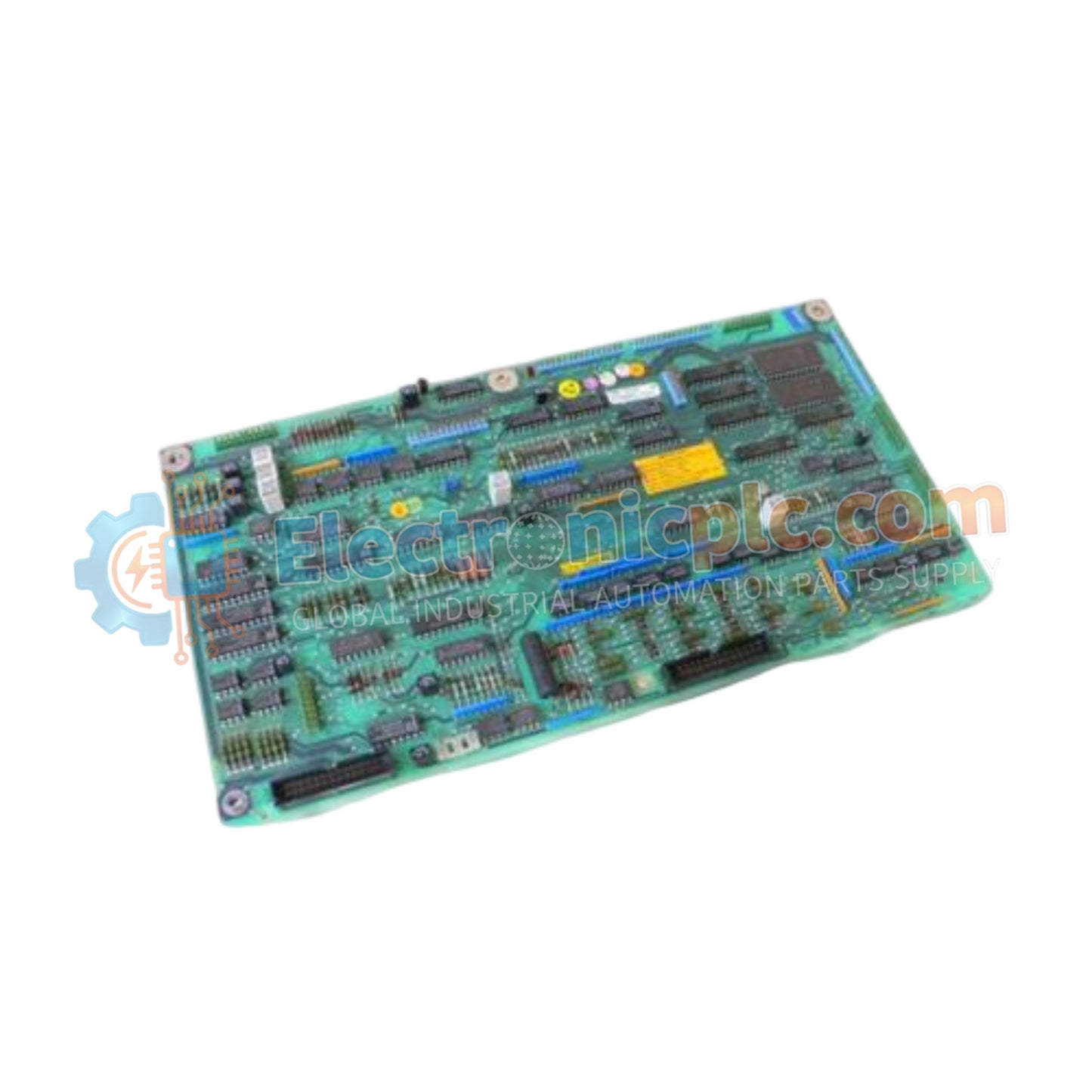
The YOKOGAWA YPQ101E (YT204001-FS PC BOARD), operates as a dedicated hardware component for localized signal processing and system control within Yokogawa instrumentation and controller platforms. This printed circuit board assembly provides the necessary electronic interface for logic execution and signal conditioning required for consistent operation in industrial process environments.
| Parameter | Specification |
| Model | YPQ101E |
| Brand | YOKOGAWA |
| Origin | Japan |
| Weight | 0.3 kg |
| Dimensions | 7.6 cm x 5.1 cm x 12.7 cm |
| Operating Temp | Industrial Standard |
| Power Consumption | System-Dependent |
| Component Type | PC Board Assembly |
The YPQ101E is manufactured to meet rigorous electronic standards required for long-term stability in control instrumentation. As an internal logic component, the board facilitates the processing of electrical signals between field-facing interfaces and the controller's main processing unit. Its design incorporates high-quality trace routing to minimize signal crosstalk and electromagnetic interference, ensuring that data integrity is maintained throughout the conversion and amplification cycles inherent in industrial logic controllers.
Q: Is the YPQ101E board user-serviceable?
A: No, the YPQ101E is a complex PCB assembly. Field repair of the board is not recommended as it may compromise the factory-calibrated settings and safety integrity of the instrumentation. Replace the entire assembly if a fault is diagnosed.
Q: Can the board be stored in high-humidity conditions?
A: The board should be stored in a controlled environment, preferably within an anti-static bag and in a climate-controlled cabinet, to prevent oxidation of the gold-plated edge connectors and moisture absorption by the substrate.
Ensure the use of an anti-static wrist strap (ESD protection) before handling the YPQ101E to prevent discharge damage to sensitive components on the board.
Carefully inspect the board for any visible damage, such as bent pins or cracked surface-mount components, prior to installation.
Align the board with the designated guides in the chassis, ensuring the edge connector is properly seated in the backplane slot. Apply even pressure until fully engaged.
If applicable, secure the board using the provided retention screws to ensure stable mechanical contact with the controller chassis.
After installation, verify system diagnostic registers in the controller software to confirm that the board is correctly detected and that no hardware error flags are active.


